
Creating a Smilecloud account
Getting started is simple by design. Just a few clicks, one email address, and in moments, you’ll be ready to begin your Smilecloud journey.
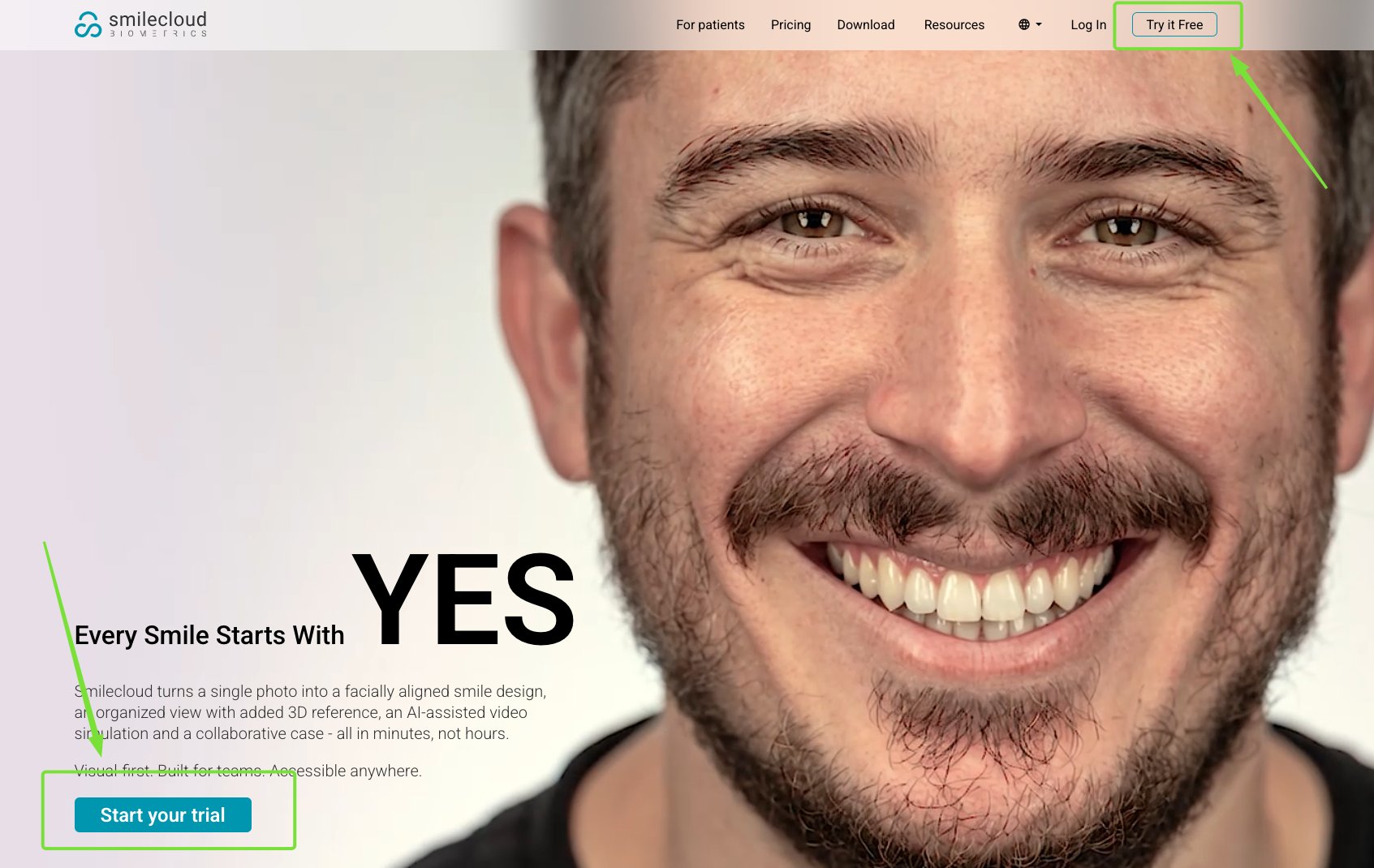
First, head to smilecloud.com and click either of the two buttons: “Try it free” or “Start your trial”.
Once you do, you’ll arrive at the account creation page. Enter your email address and choose the password you’d like to use. For your security, your password must include lowercase letters, uppercase letters, and numbers. Then click the “Create Account” button.
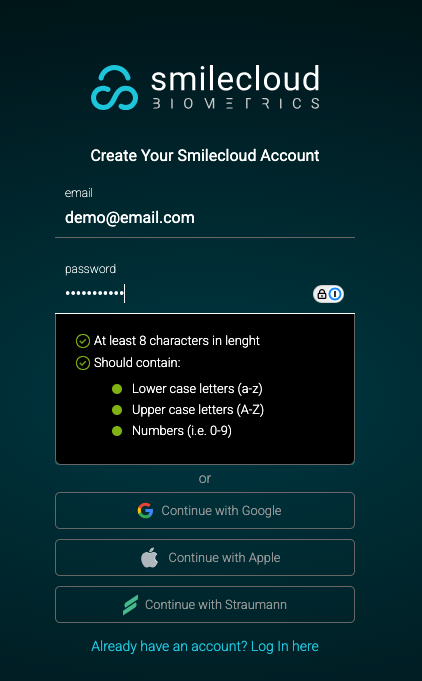
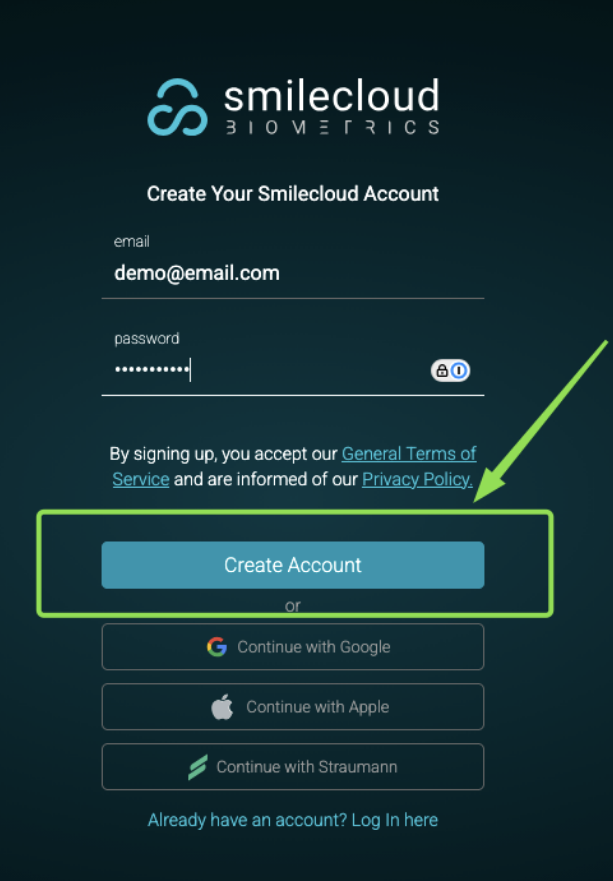
Note: You can also create your account using “Continue with Google”, “Continue with Apple”, or “Continue with Straumann”. If you choose one of these options, there’s no need to create a password, and future sign-ins will happen through your selected provider. If you ever forget which option you used, don’t worry. We’ve prepared a helpful guide with everything you need to know about logging in, available here.
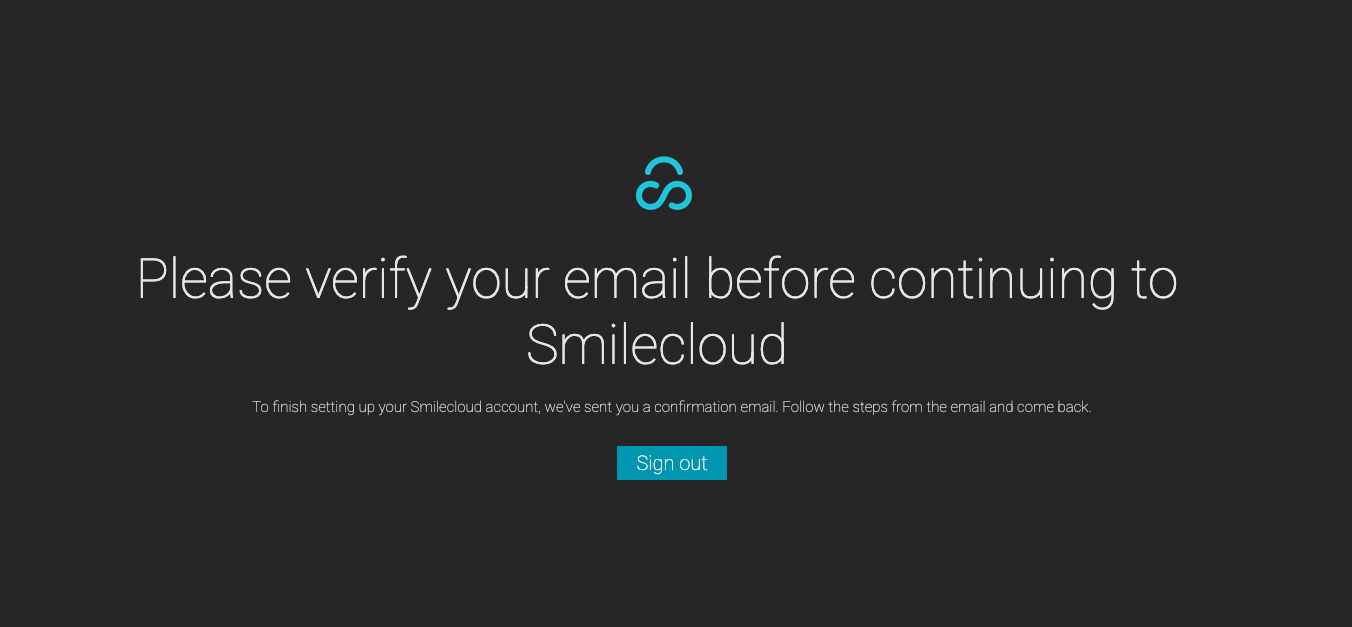
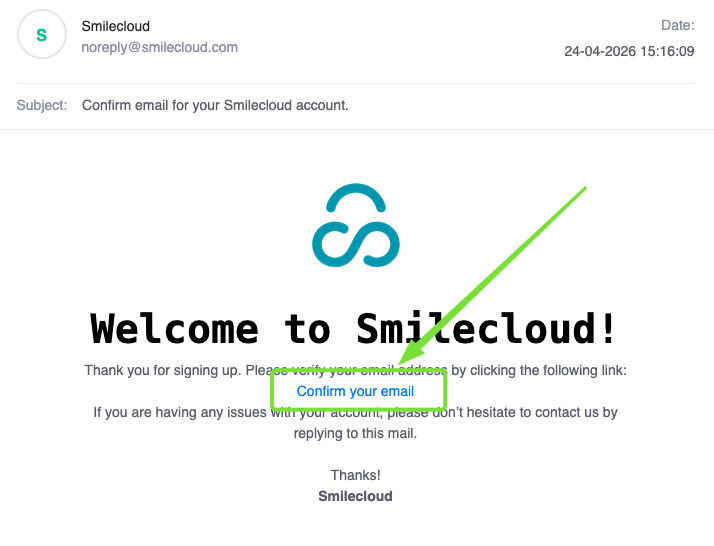
You’ll know your account has been created when the “Verify your email” page appears. Once that happens, hop on to your email and click the verification link we will have sent you. Clicking that link automatically takes you to your freshly created Smilecloud account.
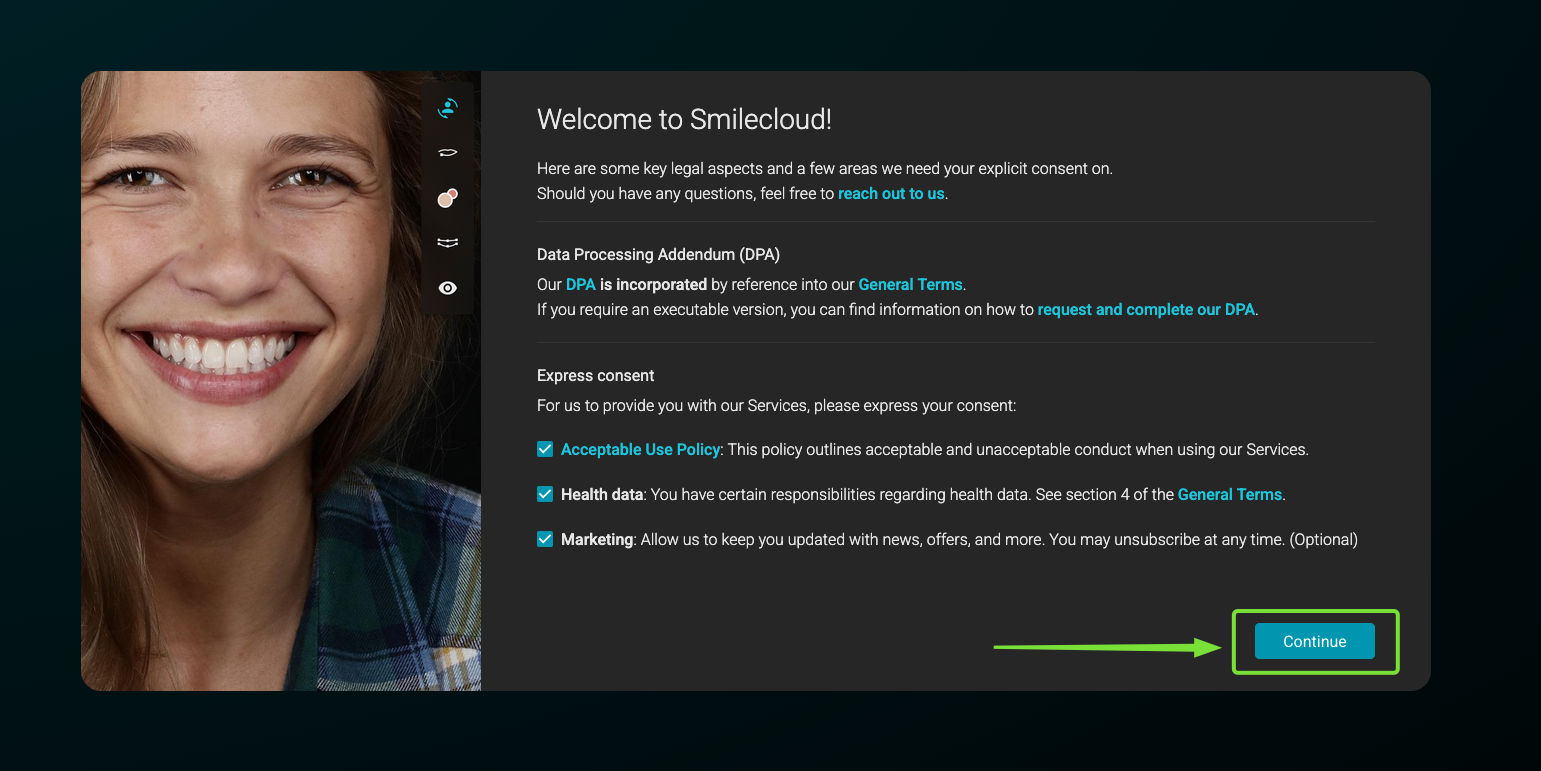
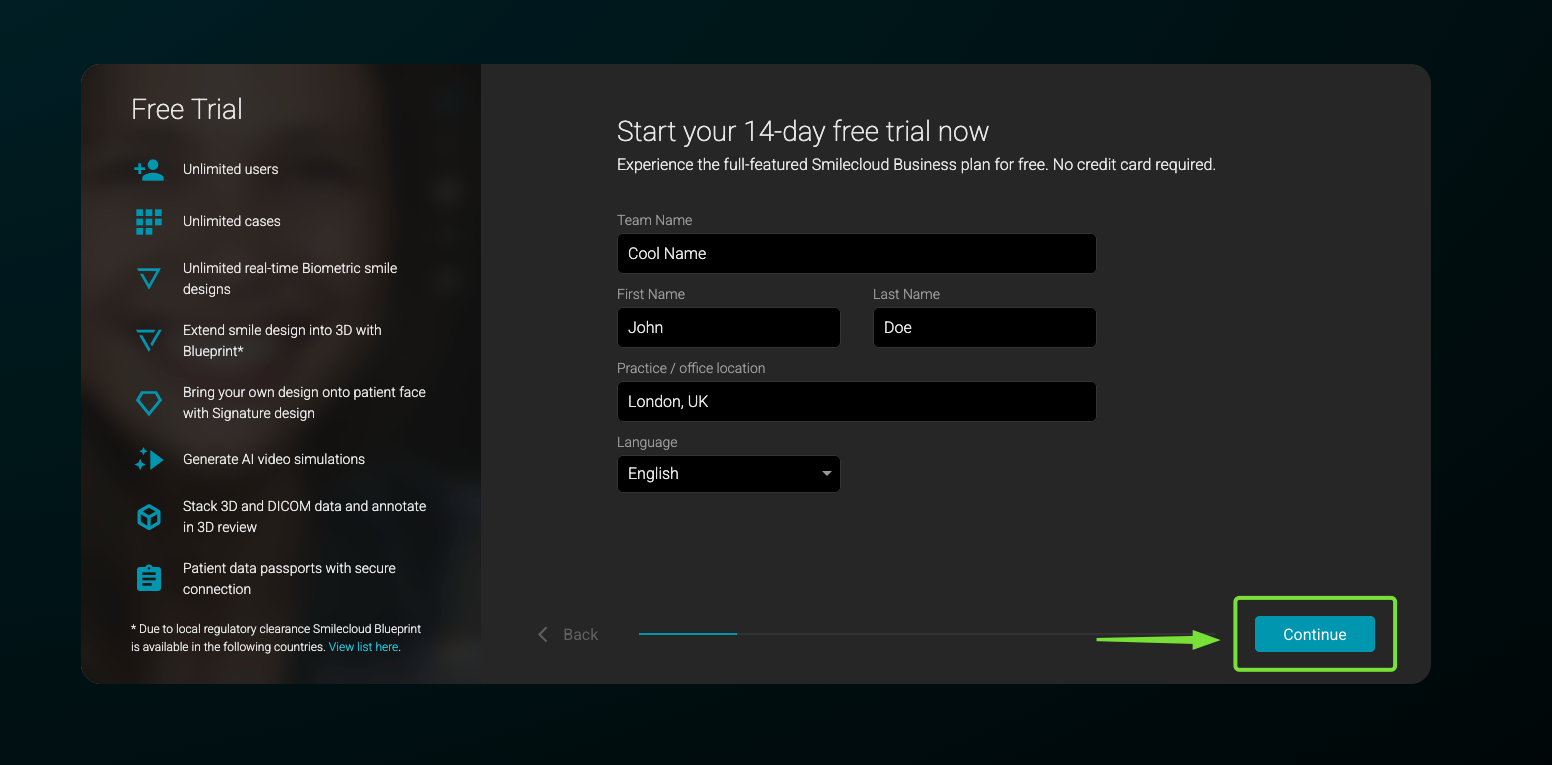
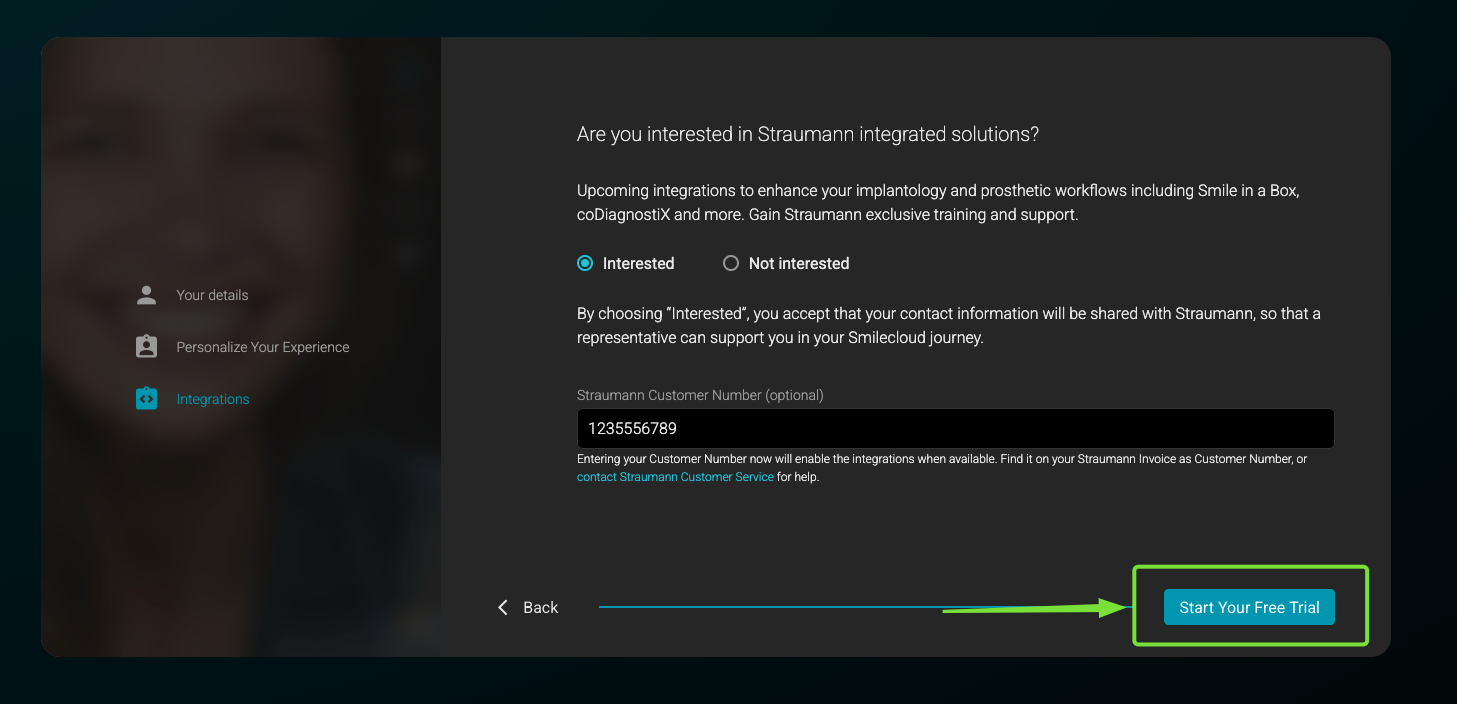
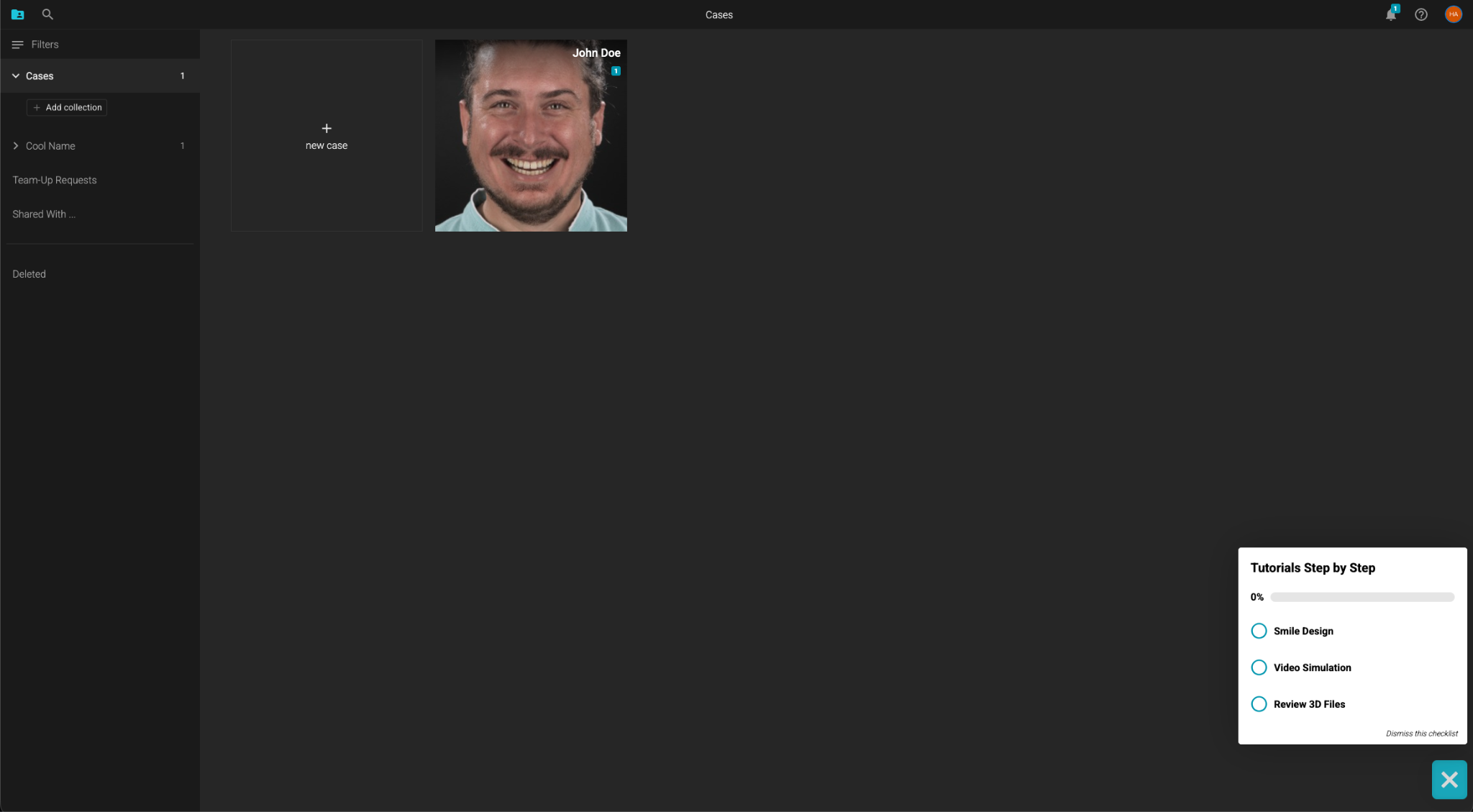
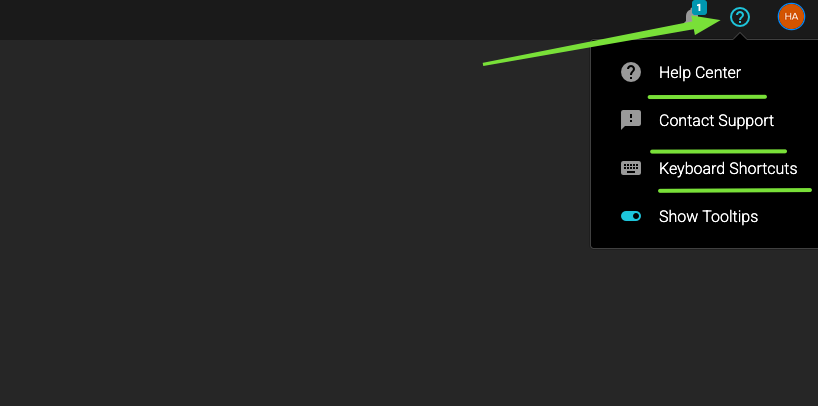
If you’re ever lost, don’t worry, we’ve got you covered. In the lower right hand corner of the landing page you’ll be able to find some onboarding tutorials, and if you feel you’d like more information, in the upper right hand corner, if you click on the question mark button, you’ll be able to access our learning center (also available here) or get in touch with one of our dedicated support agents.
And that's all there is to it!
Welcome to Smilecloud, where every smile starts with YES.