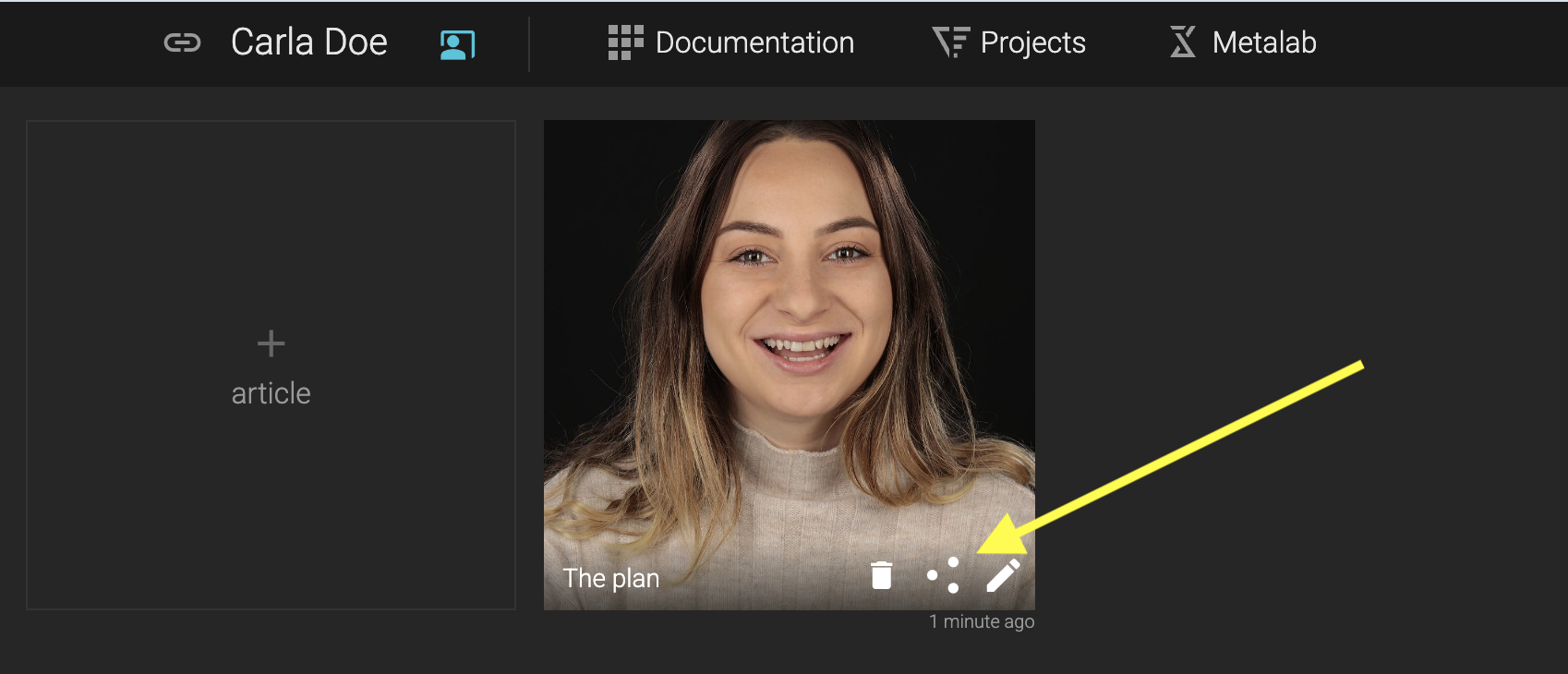
Articles - Create case presentations
The Articles feature works similarly to a PowerPoint or Keynote presentation, but directly within your Smilecloud case.
It provides a flexible canvas where you can organize case information and combine text, images, videos, and 3D scan data to create a structured, visual story. Articles can be used to present treatment information, explain a case, document outcomes, or communicate with your patient.
Create a New Article
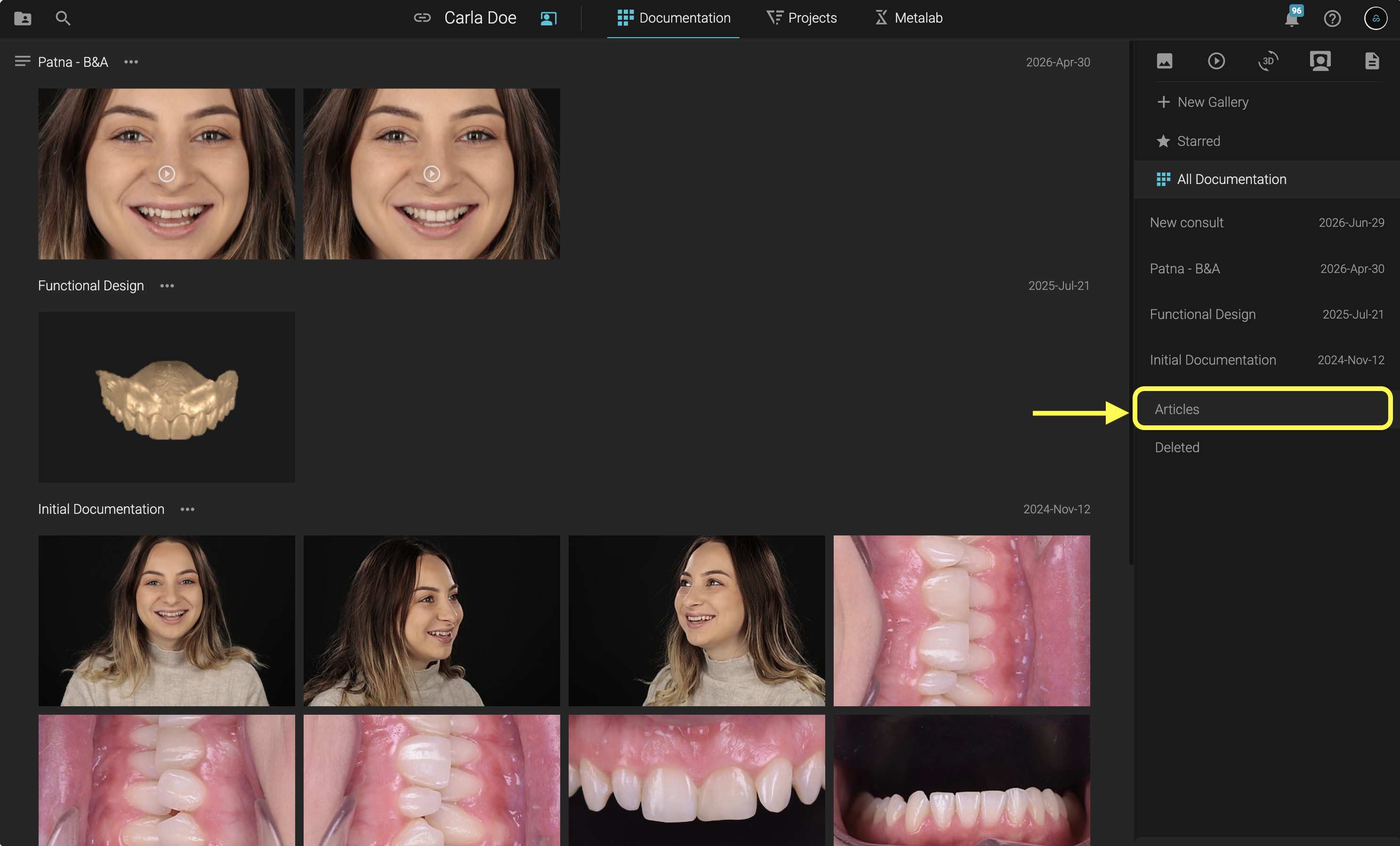
From your case, open the Documentation tab and select Articles.
Click the + button to create a new article.
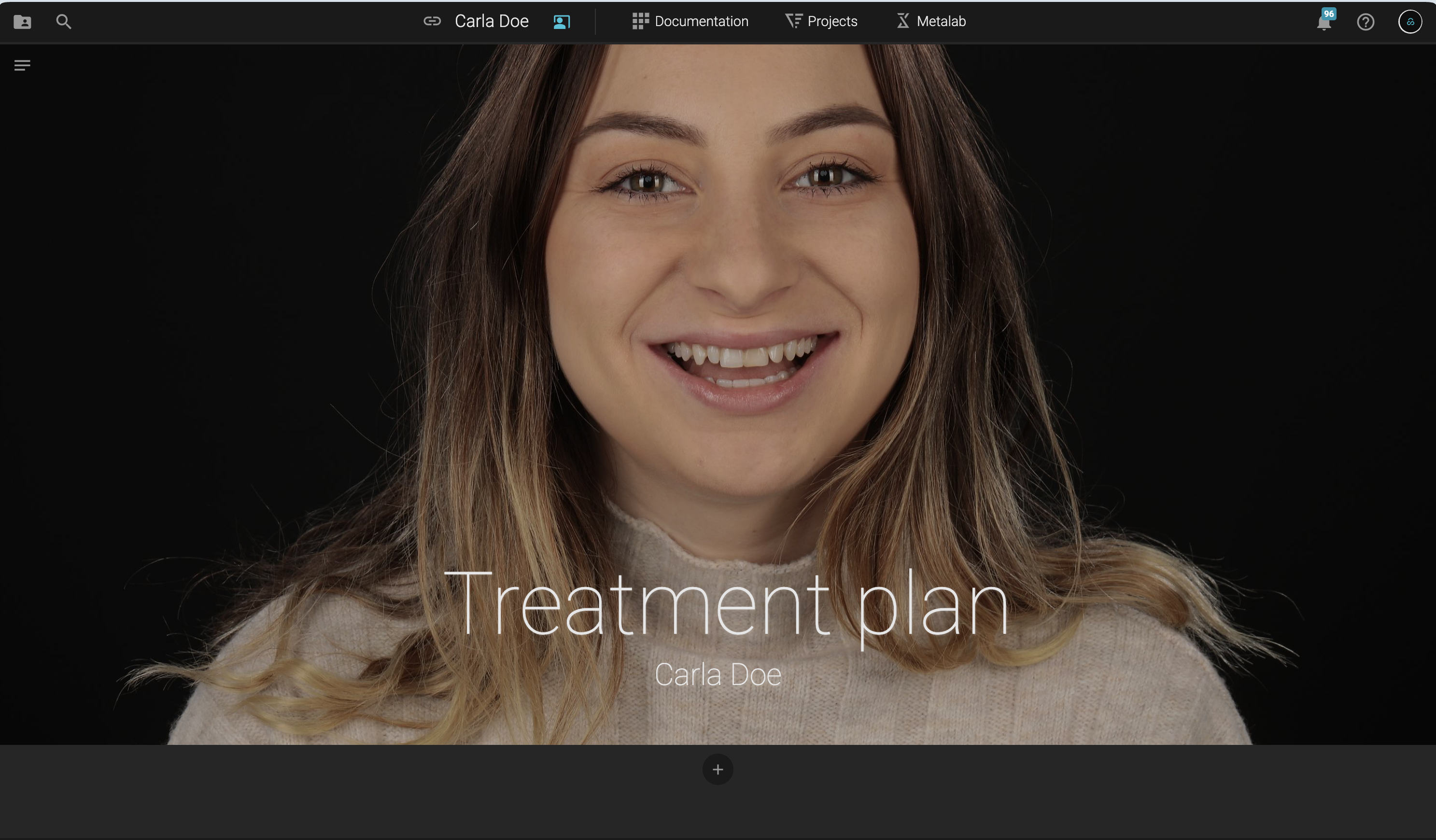
Start by setting up your cover:
- Add a cover image
- Enter your title
- Add a subtitle
Add Content
Once your cover is ready, start building your article by adding content blocks.
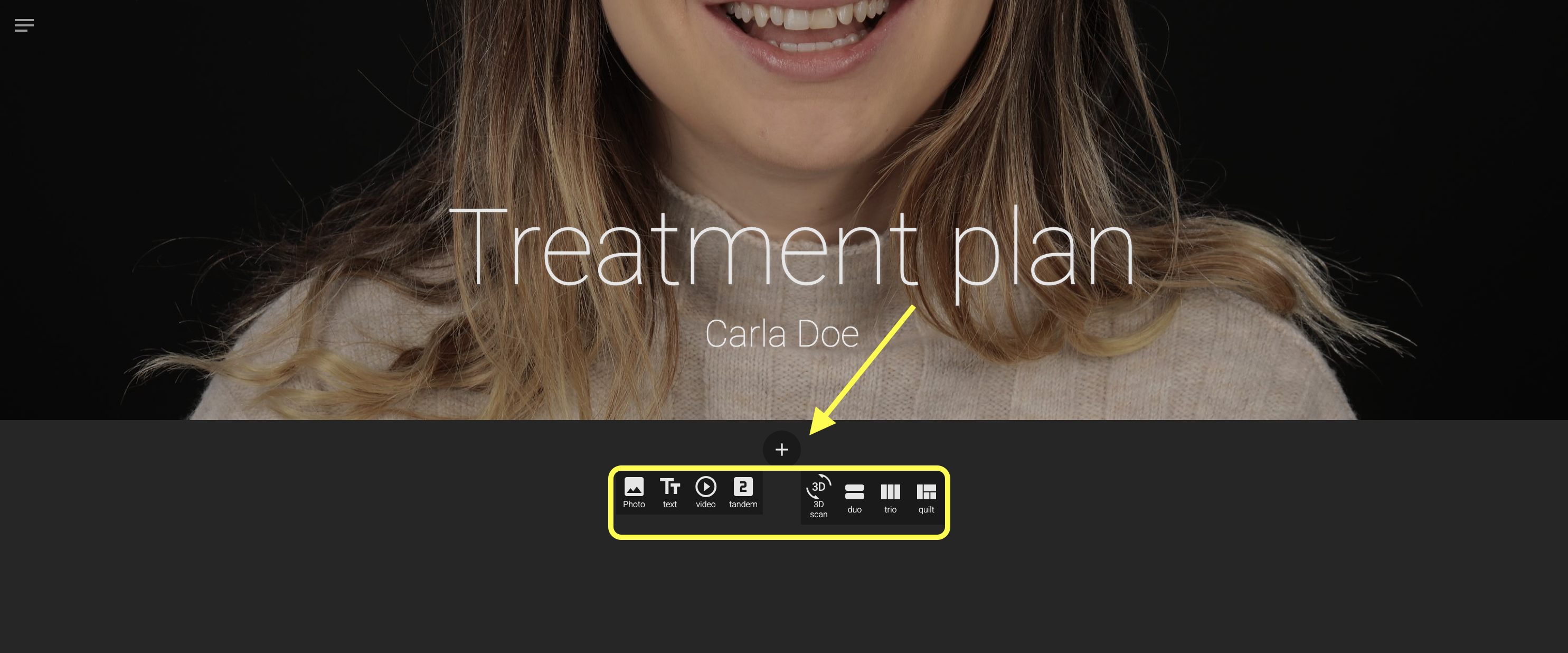
You can choose from several layouts and content types:
- Image – display individual images
- Video – add video content
- Tandem – display two videos side by side
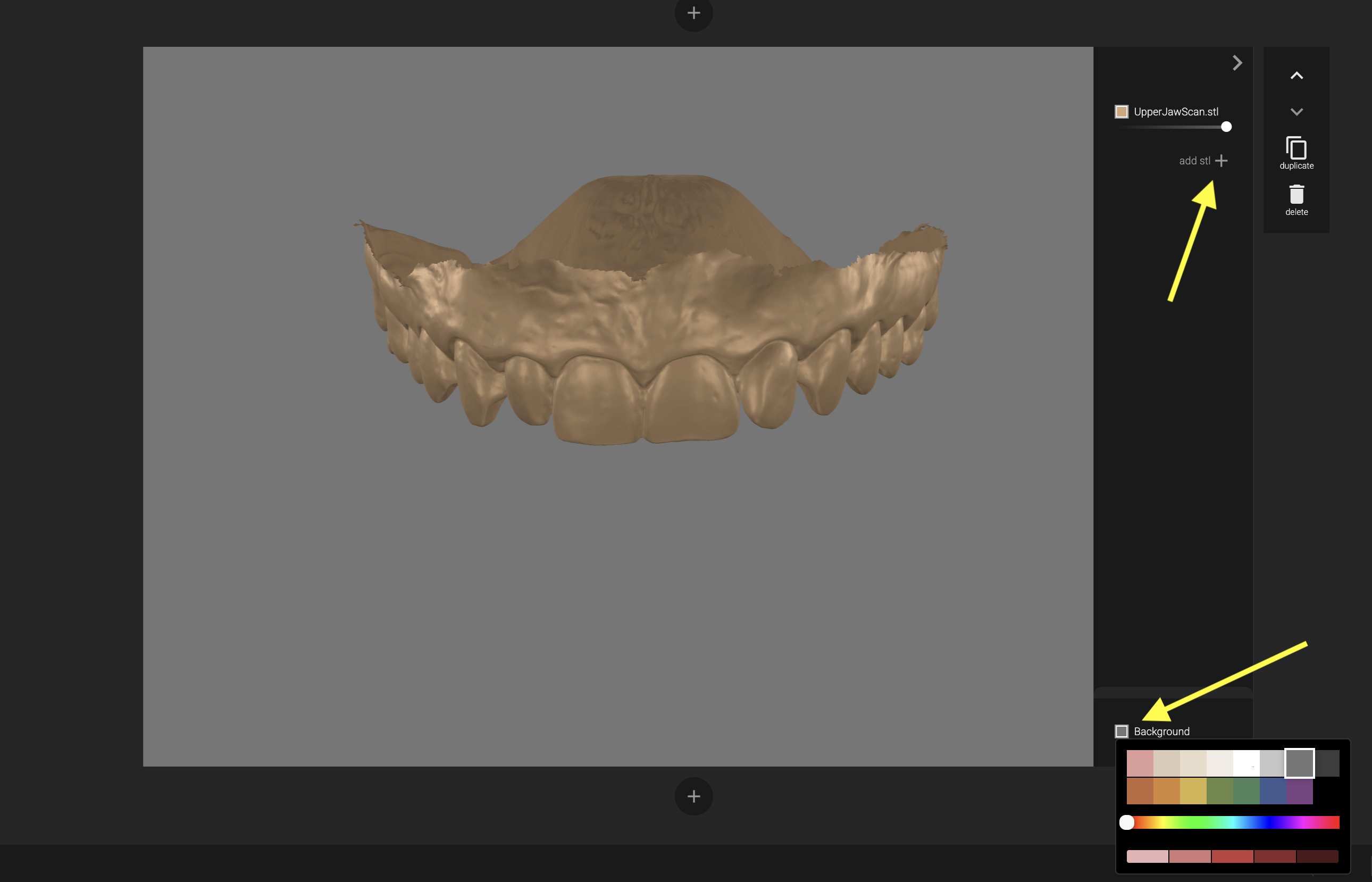
- 3D Scan Data – present interactive 3D files
- Duo, Trio, or Quilt – combine multiple pieces of content into structured layouts
Content blocks are flexible and can accommodate different types of information, including images, videos, 3D files, and text.
Customize Your Layout
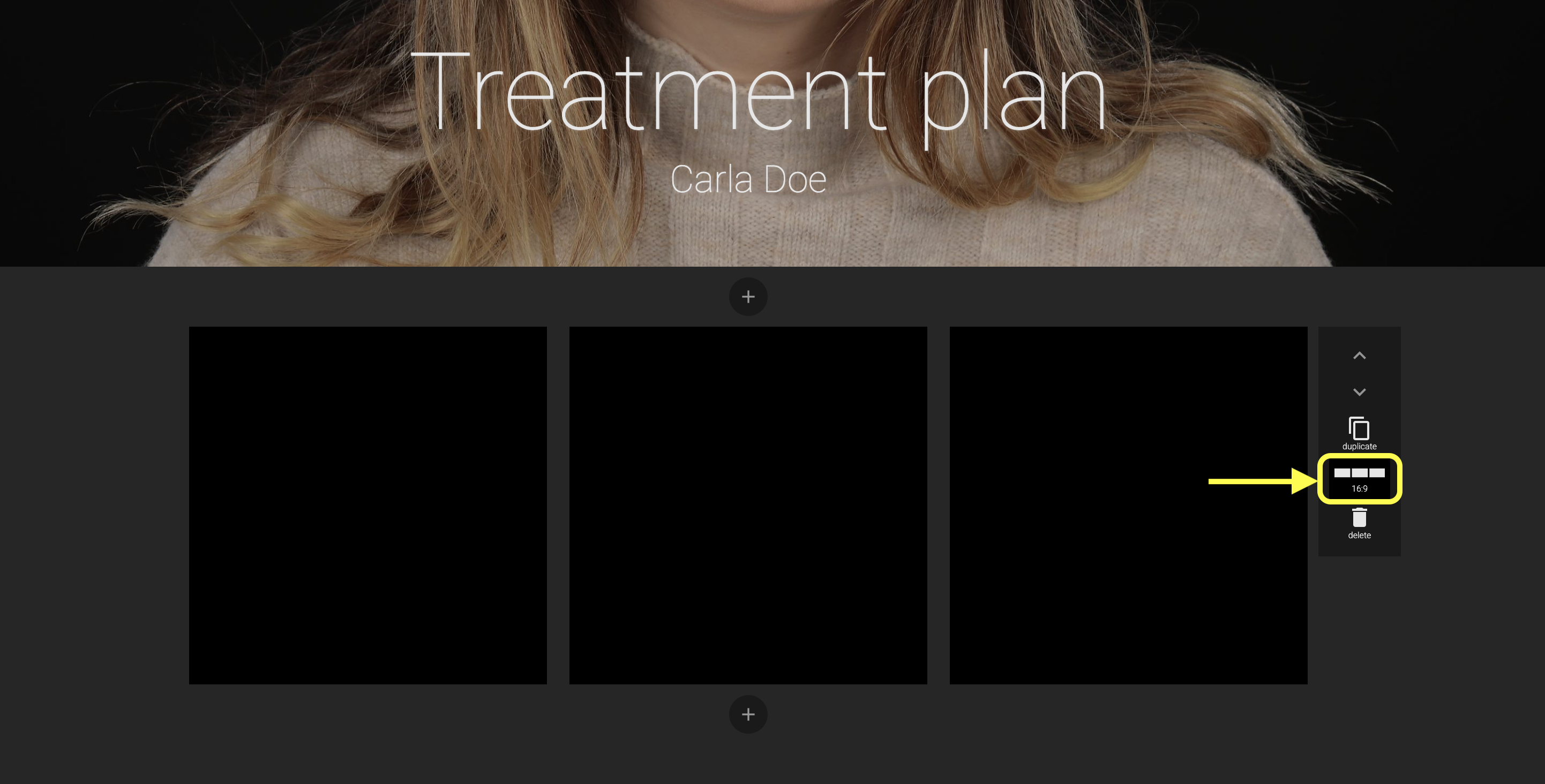
Depending on the content and the story you want to create, blocks can be formatted using different aspect ratios, including 16:9 and 1:1.
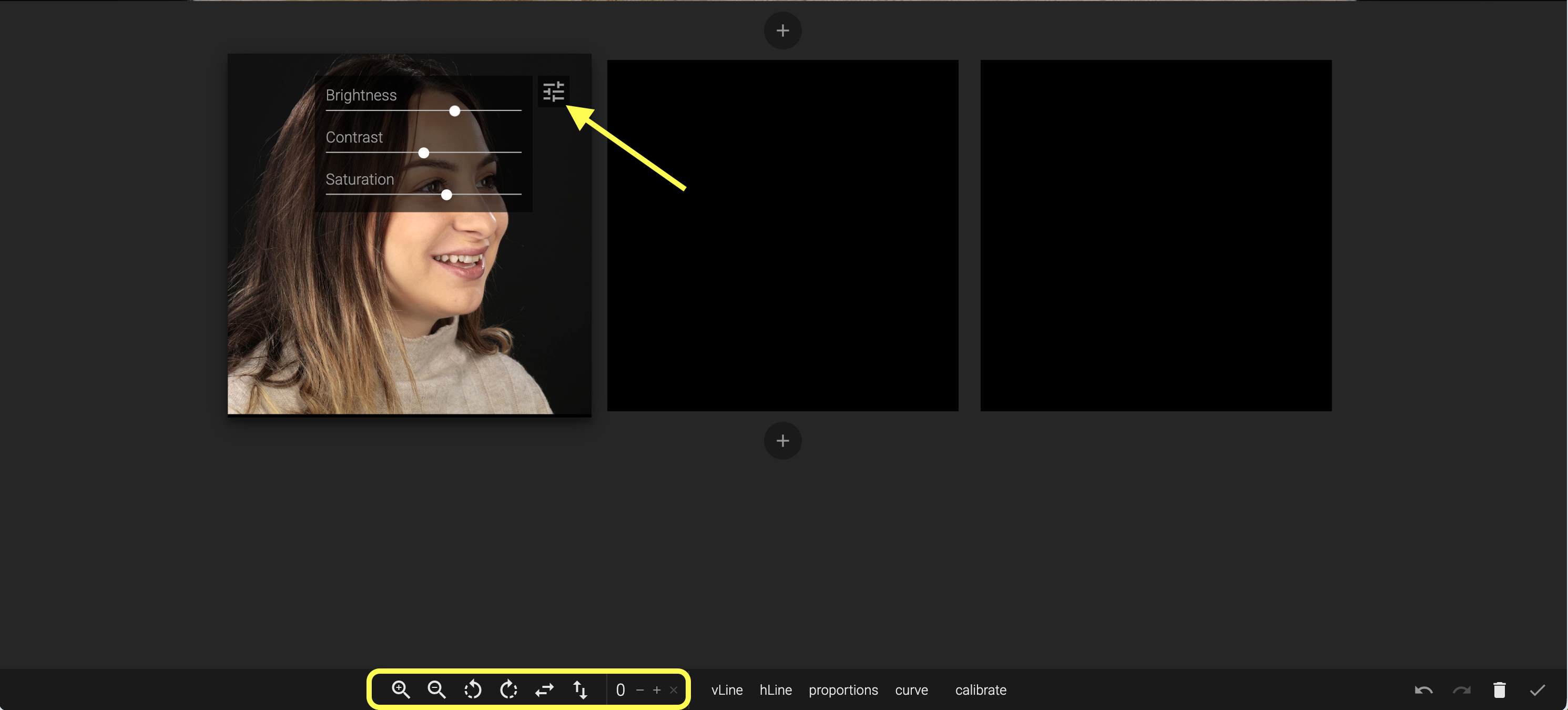
Images include additional editing tools that allow you to adjust their presentation directly within the article.
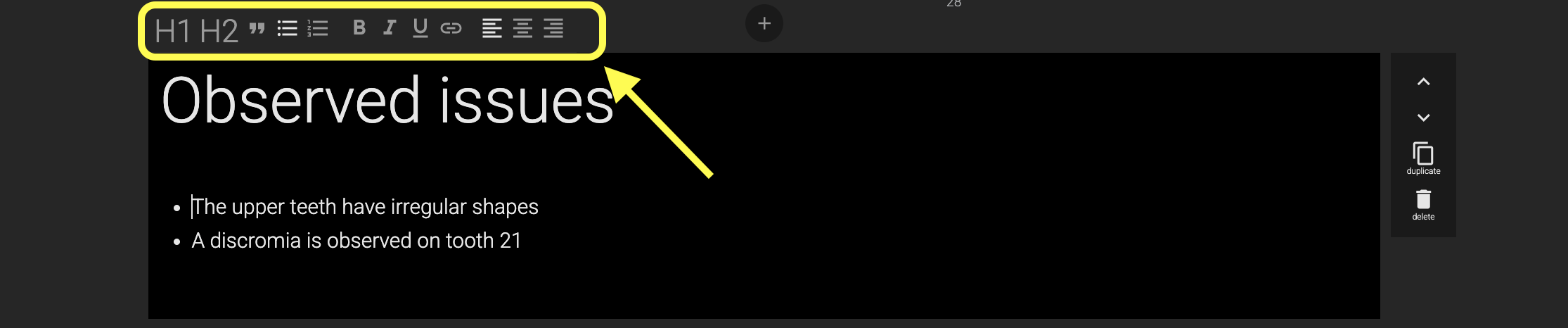
You can also add standalone text blocks whenever you need more space for explanations or narrative content.
Text blocks also include formatting options, helping you create clear headings, descriptions, explanations, and supporting information.
Customize 3D Content
When adding 3D files, you can customize their appearance to match your presentation.
You can adjust both:
- The background of the content block
- The color of the 3D model
This allows you to create a cleaner presentation and highlight specific 3D elements within your case.
Share Your Article
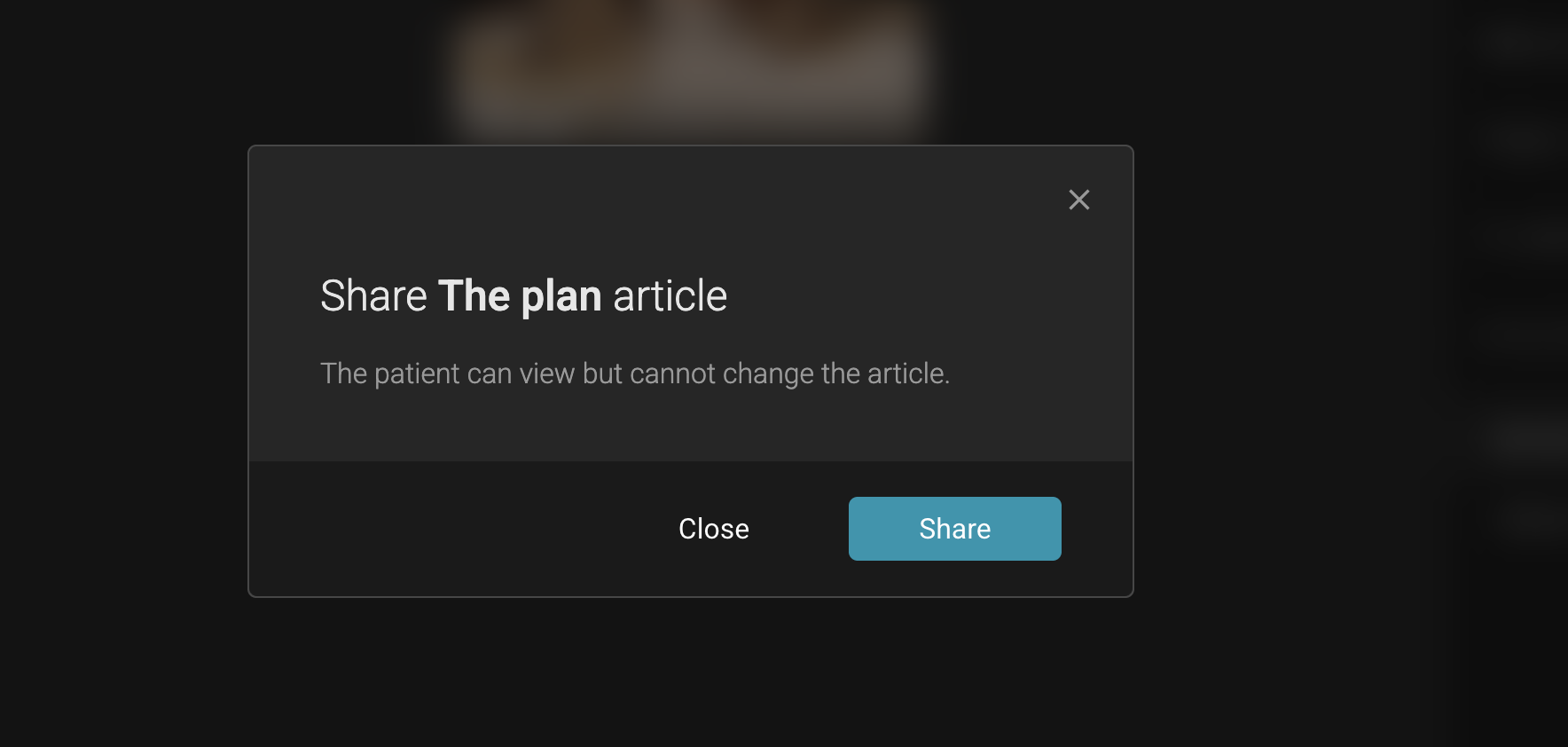
Once your article is complete, save it and share it with your patient through Passport.
This gives you an engaging way to communicate case information by bringing images, videos, 3D data, and explanations together in one visual presentation.