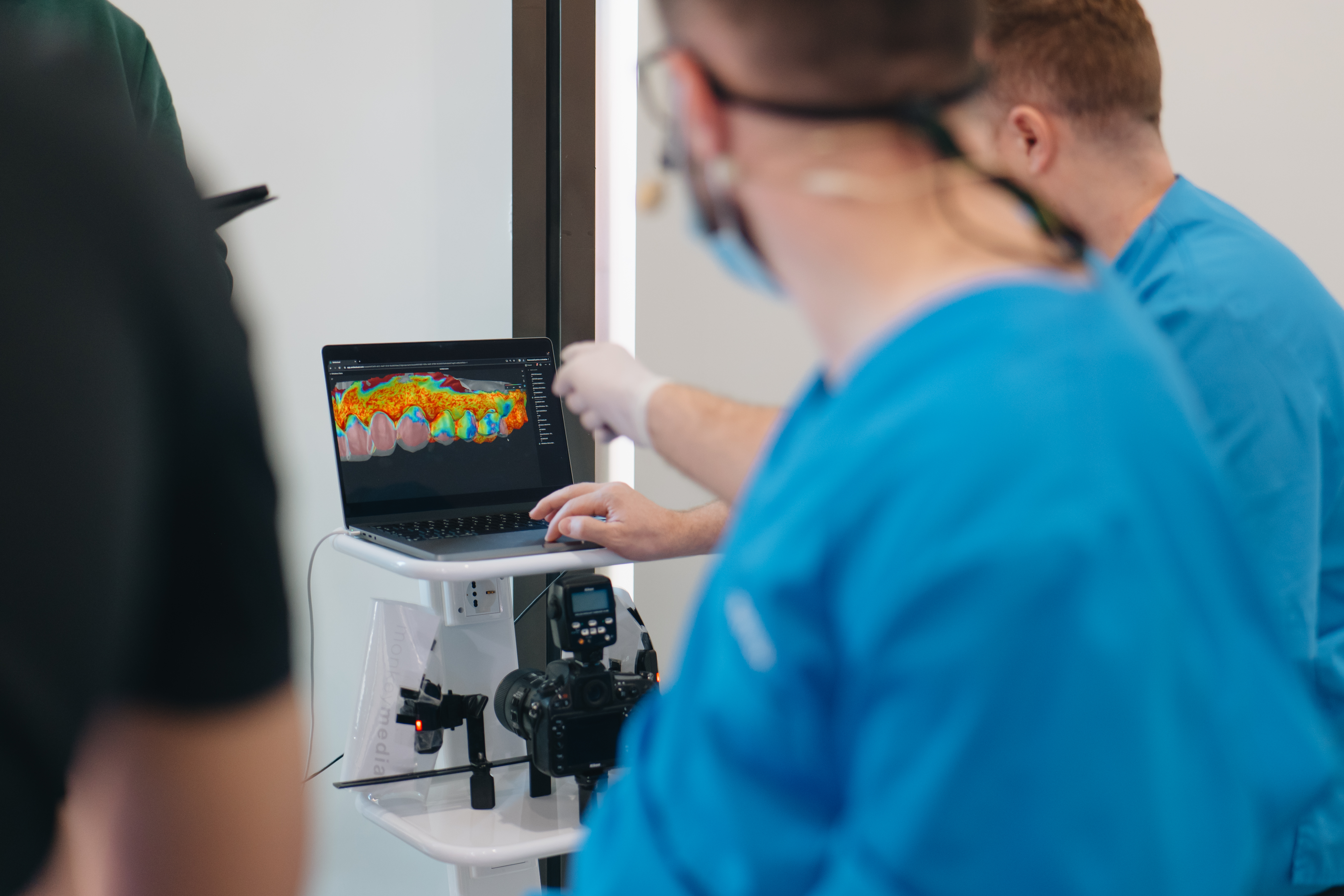
Smilecloud Review
Smilecloud Review is a powerful tool designed for clinicians who want to overlay, visualize, and annotate multiple layers of 3D dental data.
✨ How to use Review
Here’s a quick overview of Review's core features:
🔹 Visualize Layered Data
Stack different 3D layers:
- scans
- CBCTs
- Designs, Guides, or any type of stl, obj or ply file.
Ready to Try It?
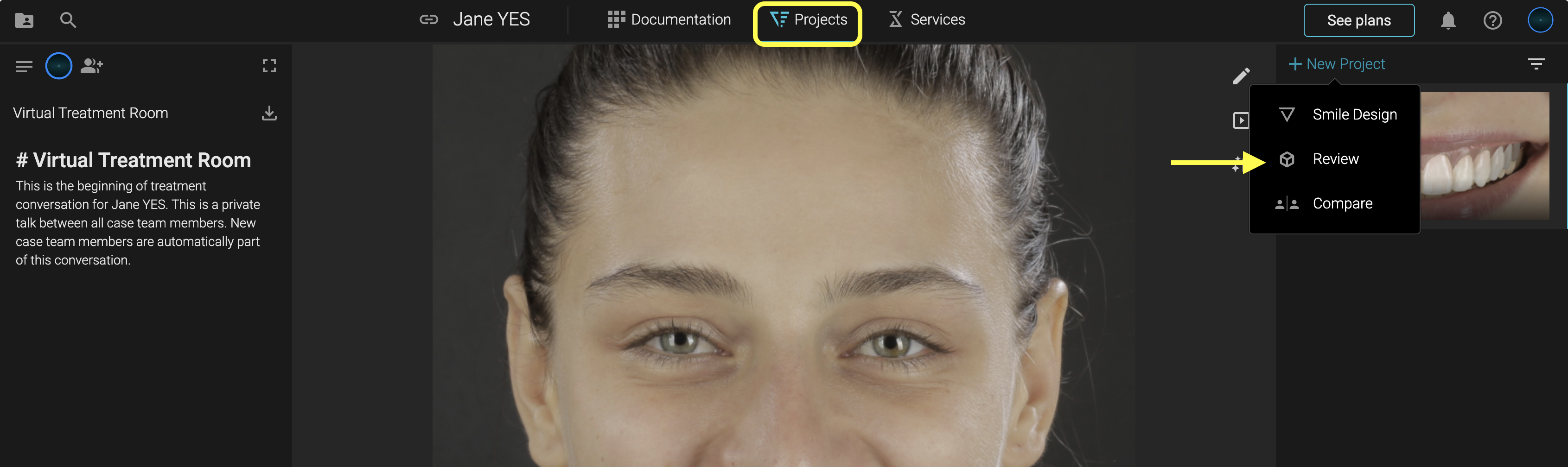
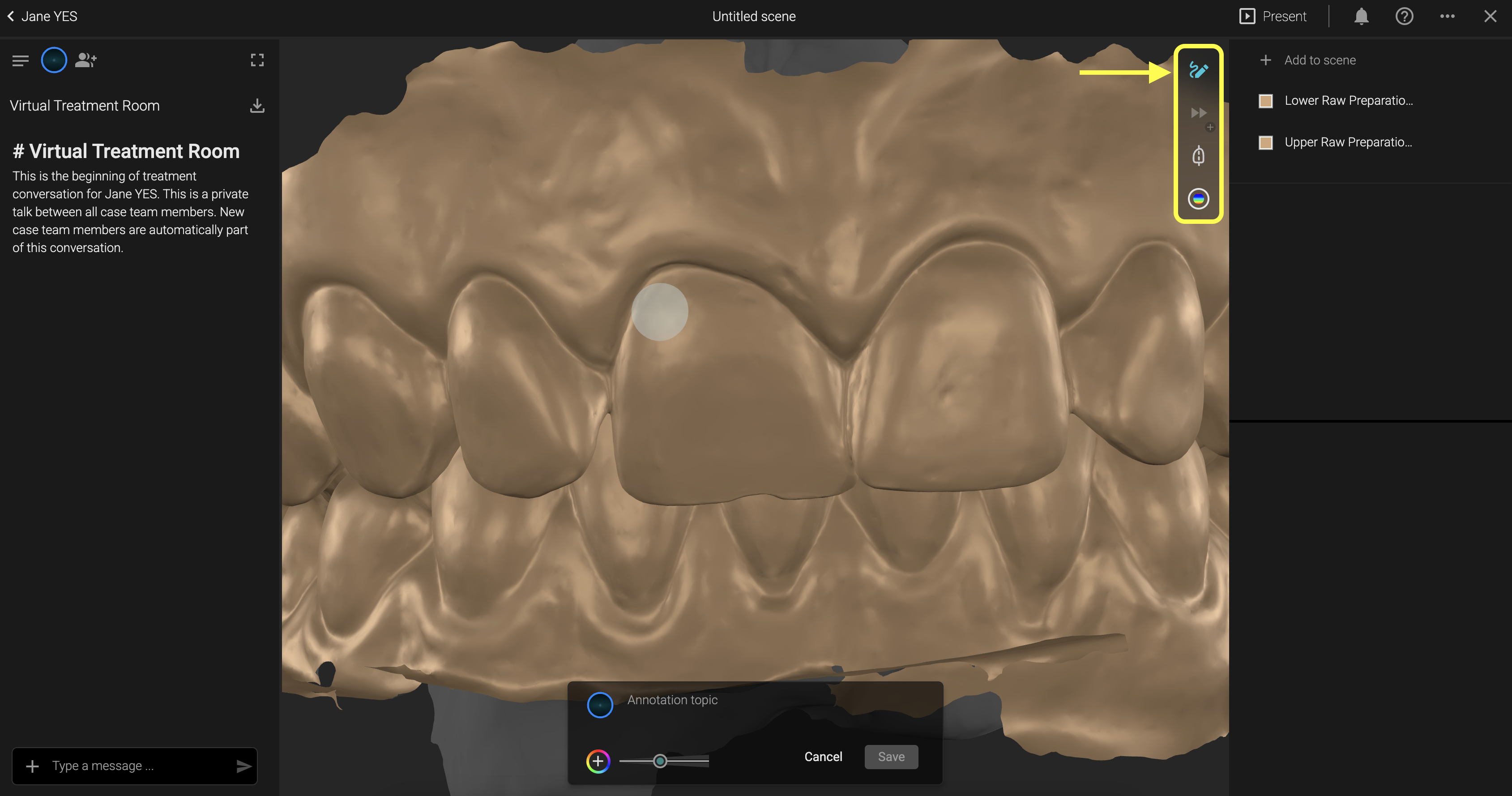
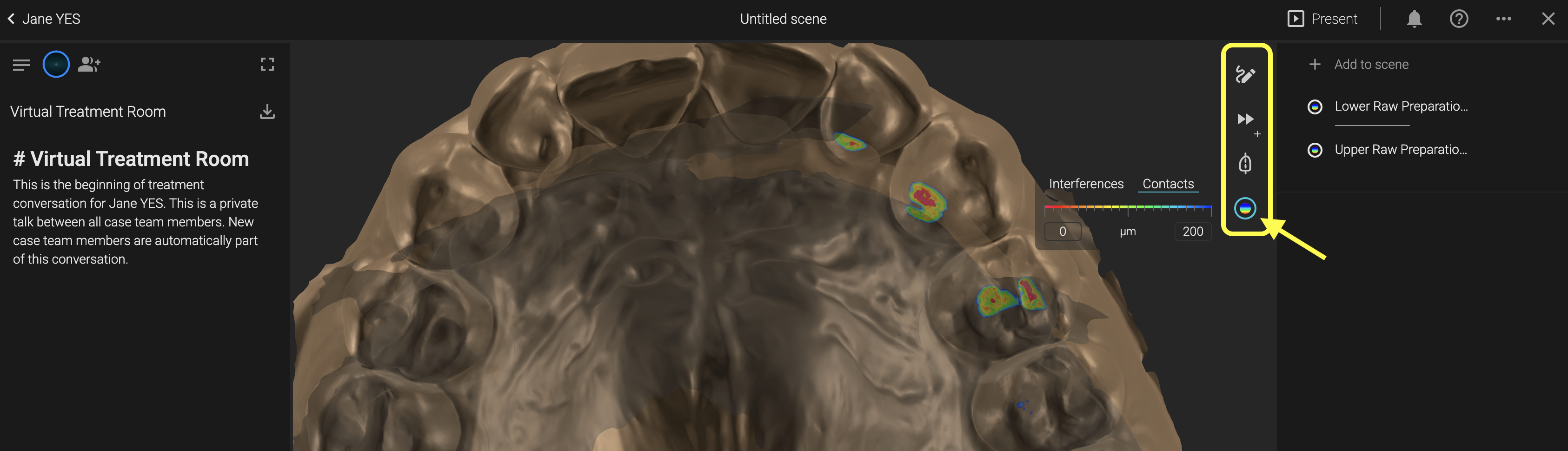
Access Review from the Projects panel inside your Smilecloud case. Simply add the layers you want to visualise and use the tools in the top-right corner to annotate, measure, and activate the heatmap.
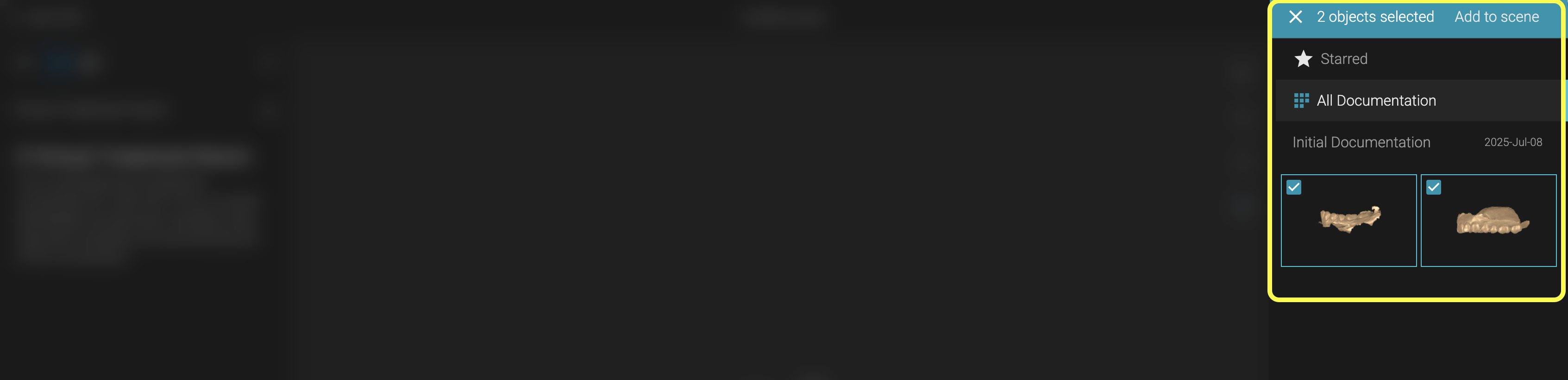
- Add 3D files to the scene
🔹 Add 3D Annotations
Make notes directly on 3D models. Add comments, tags, and visual markers to communicate with your lab or collaborators, right on the model.
Example: Annotate margin lines or correction areas on a crown design to avoid back-and-forths with your lab.
🔹 Explore Cross Sections
Use cross-sectional views to assess the different layers in relation to eachother or simply visualise one layer at a time. Simply Double Click to activate the cross section.
🔹 Measure with a Double Click
Measure distances between any two points in 3D. Just double-click to measure.
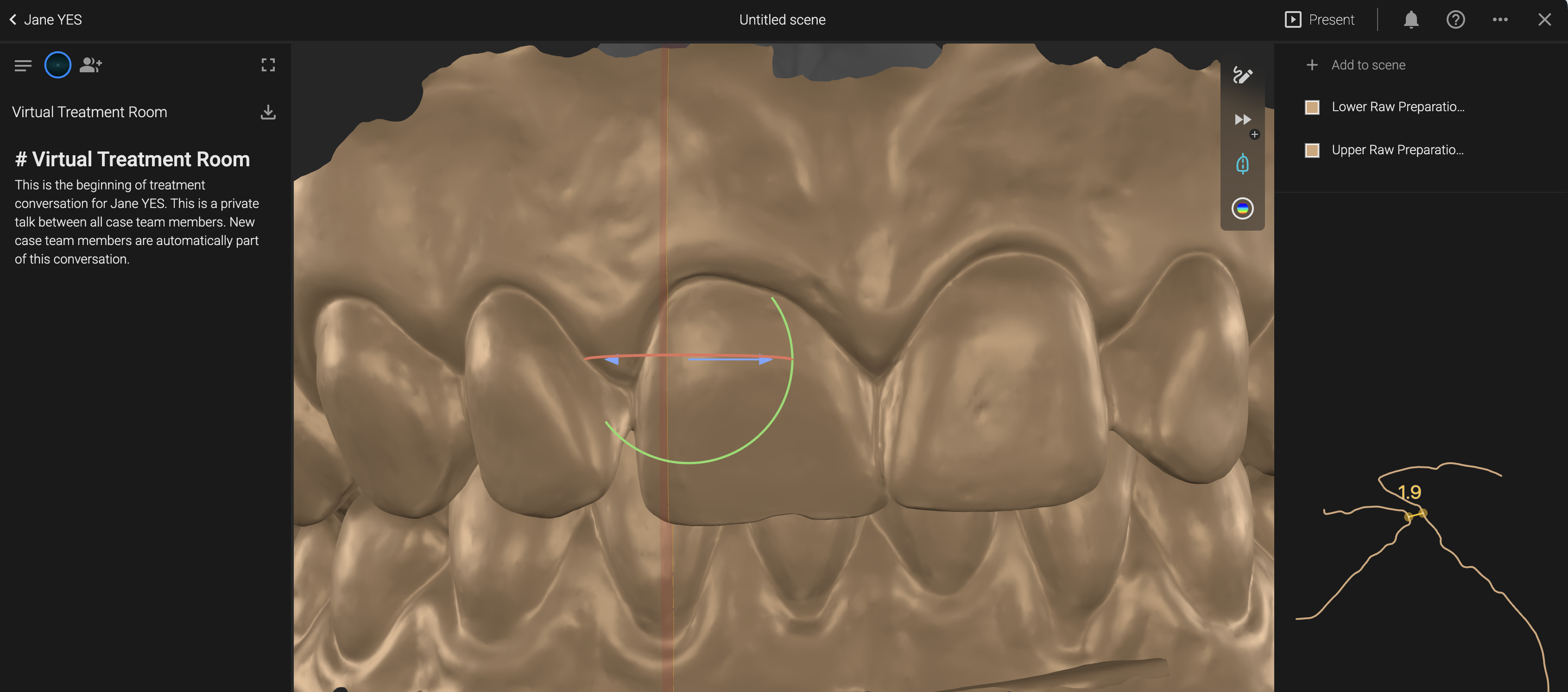
🔹 Heatmap
With the heatmap activated, you can visualize the space between 2 layers, helping you identify pressure areas, or under-prepped regions.
Use Case: Quickly identify if your prep has enough clearance for your technician’s restoration parameters.
🔹 Use as a Virtual Preparation Guide
Compare the pre-op scan with the lab’s design to evaluate your preparation. Save time and improve lab communication.
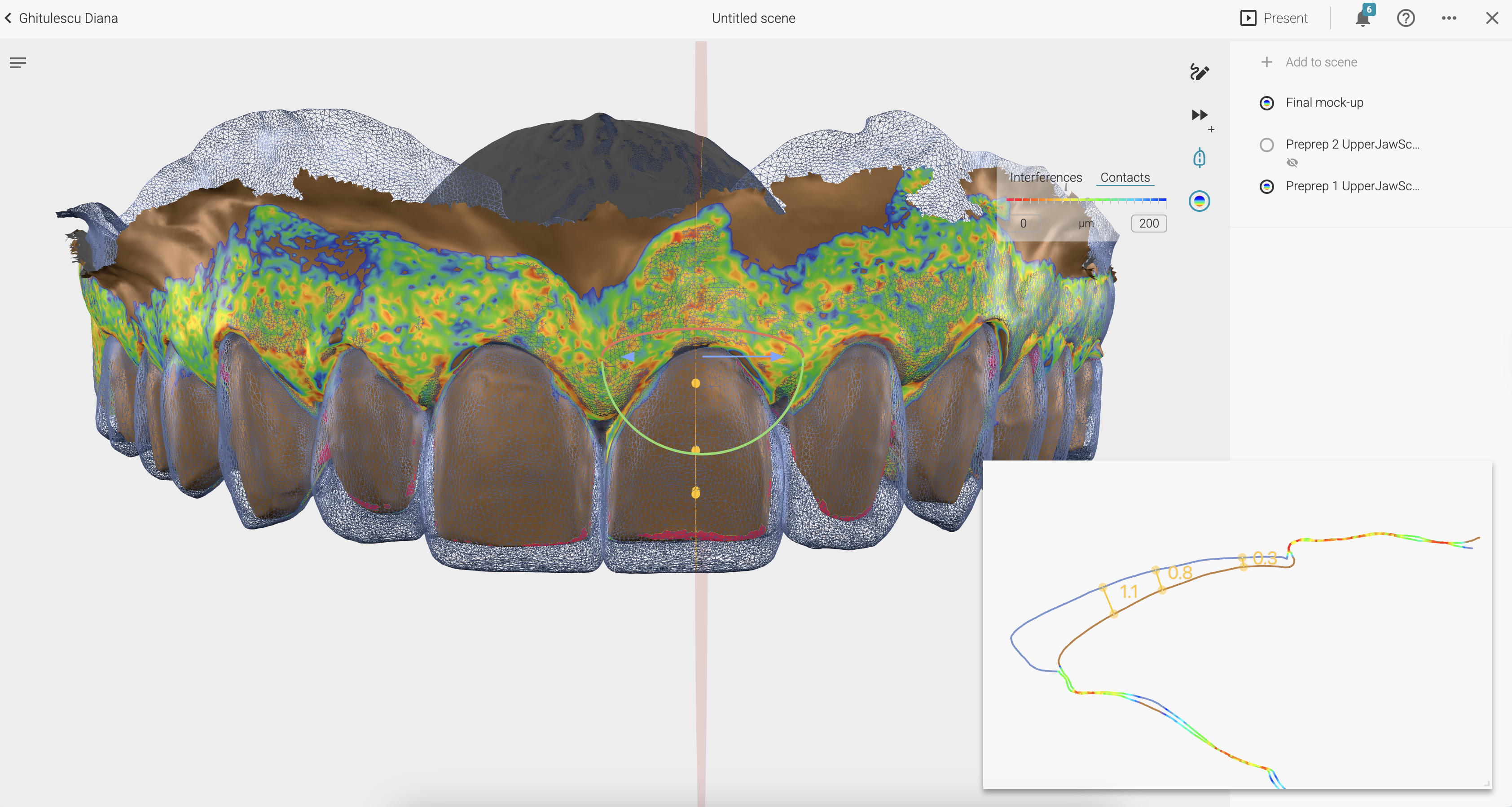
Prep Check Before Final Impression
How do you ensure your prep is lab-ready before the patient leaves?
Steps:
- Add the initial upper scan.
- Add the Functional Design provided by your lab.
- Activate the heatmap to visualize material thickness.
- Adjust settings to match the required restoration space (e.g., 400 for ceramics).