
Blueprint Shortcuts
Great tools should feel effortless. That’s why Smilecloud includes a wide range of keyboard shortcuts designed to help you move through your workflow with speed and precision — so you can stay focused on the smile, not the interface.
Whether you’re switching views, refining anatomy, or sculpting details in 3D, these shortcuts help keep everything right at your fingertips.
Blueprint Interface
Quickly navigate the Blueprint workspace and keep your screen exactly the way you like it.
Action | Shortcut |
|---|---|
Switch between Portrait and 3D mode | Space bar |
Show / Hide layers and anatomy | L |
Show / Hide libraries, layers & chat | TAB |
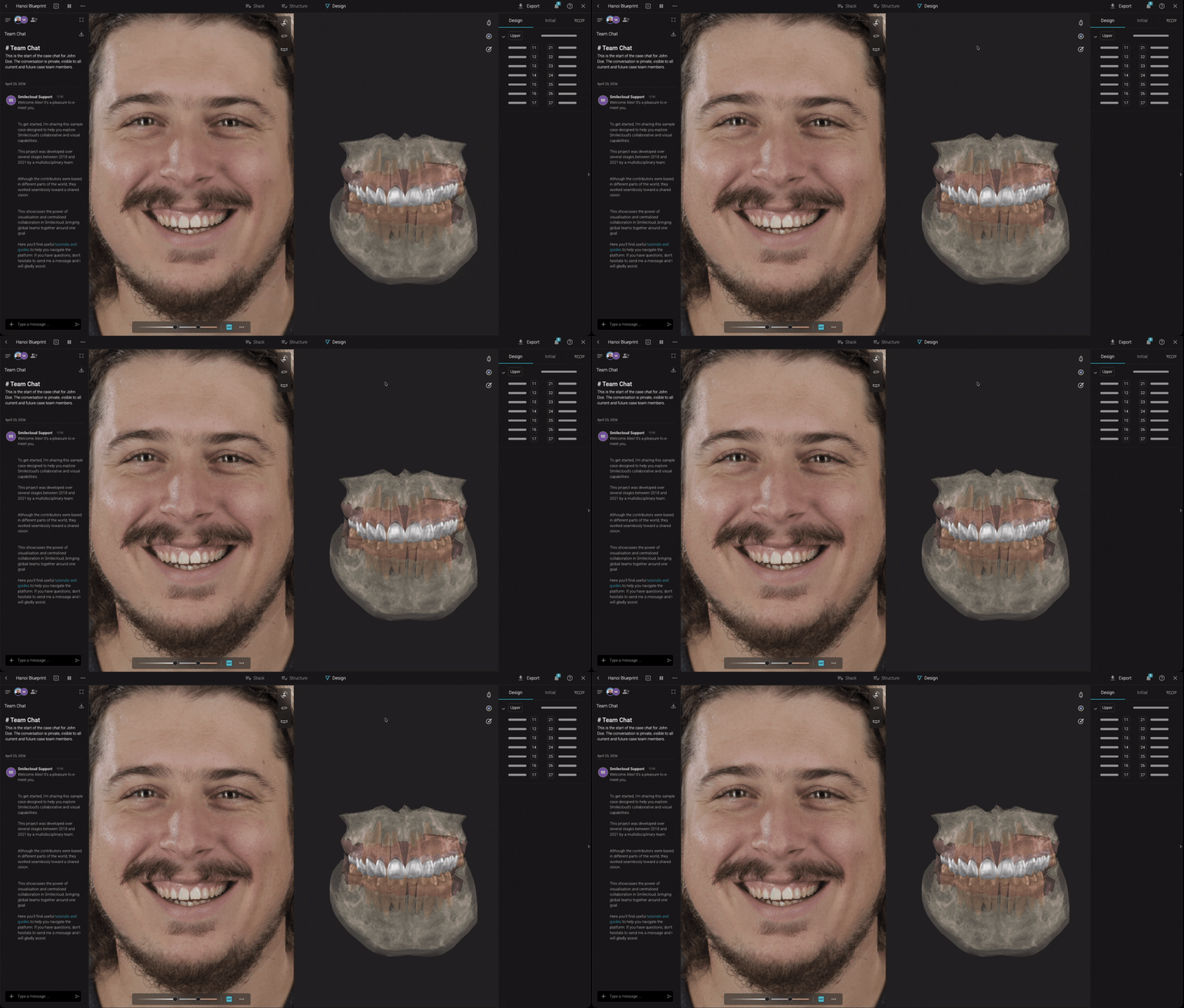
3D View Controls
Move instantly between essential viewing angles while working in 3D.
View | Shortcut |
|---|---|
Front view | F |
Left view | A |
Right view | D |
Occlusal view | S |
Portrait view | P |
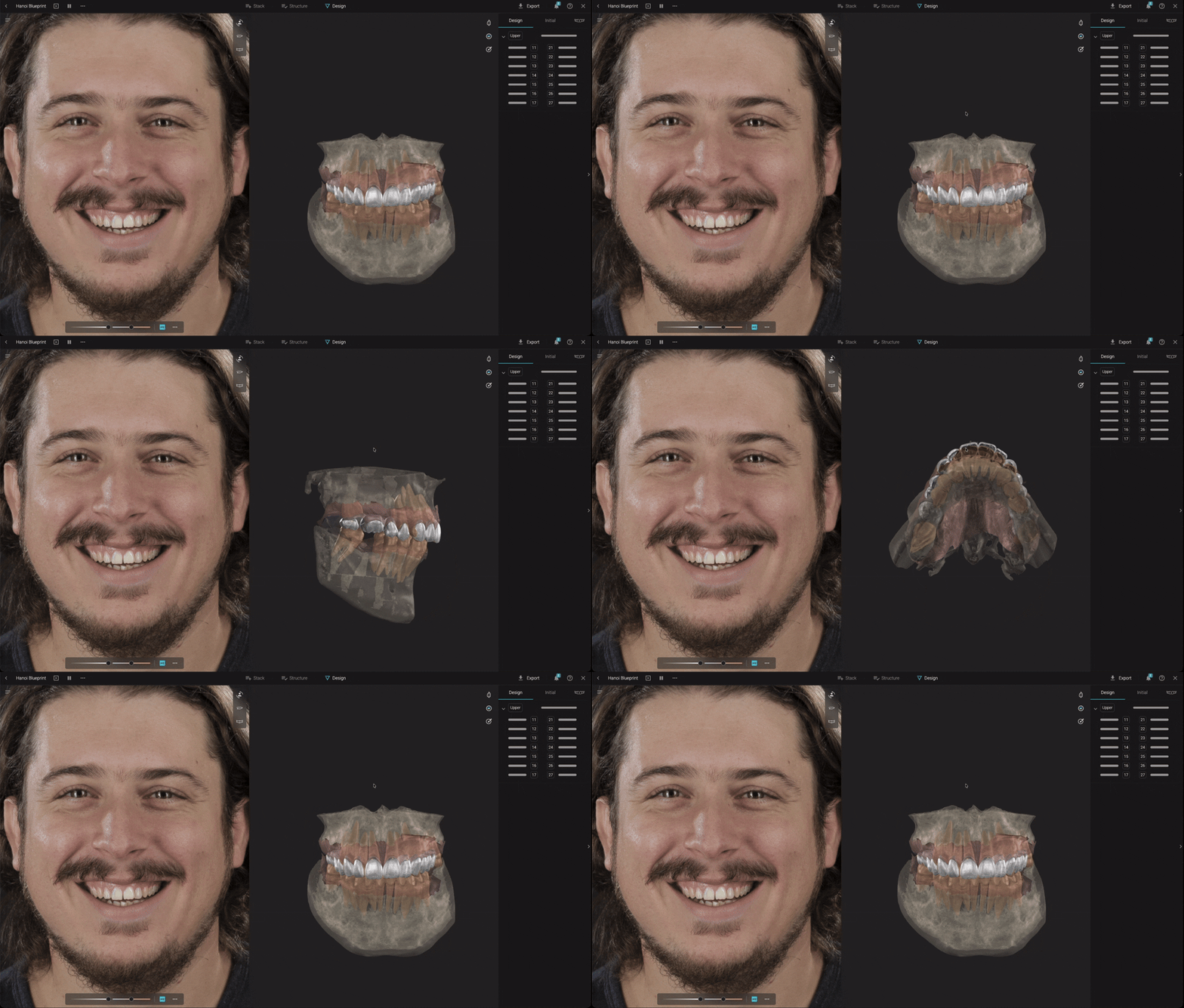
Gimbal Controls
Fine-tune tooth positioning with intuitive movement and rotation controls.
Standard Gimbal
Action | Control |
|---|---|
Move tooth | Click and drag |
Free rotate | CTRL/CMD + drag |
Rotate on camera plane | Drag inner circle |
Scale | Drag outer circle |
Toggle visible / invisible gimbal | G |
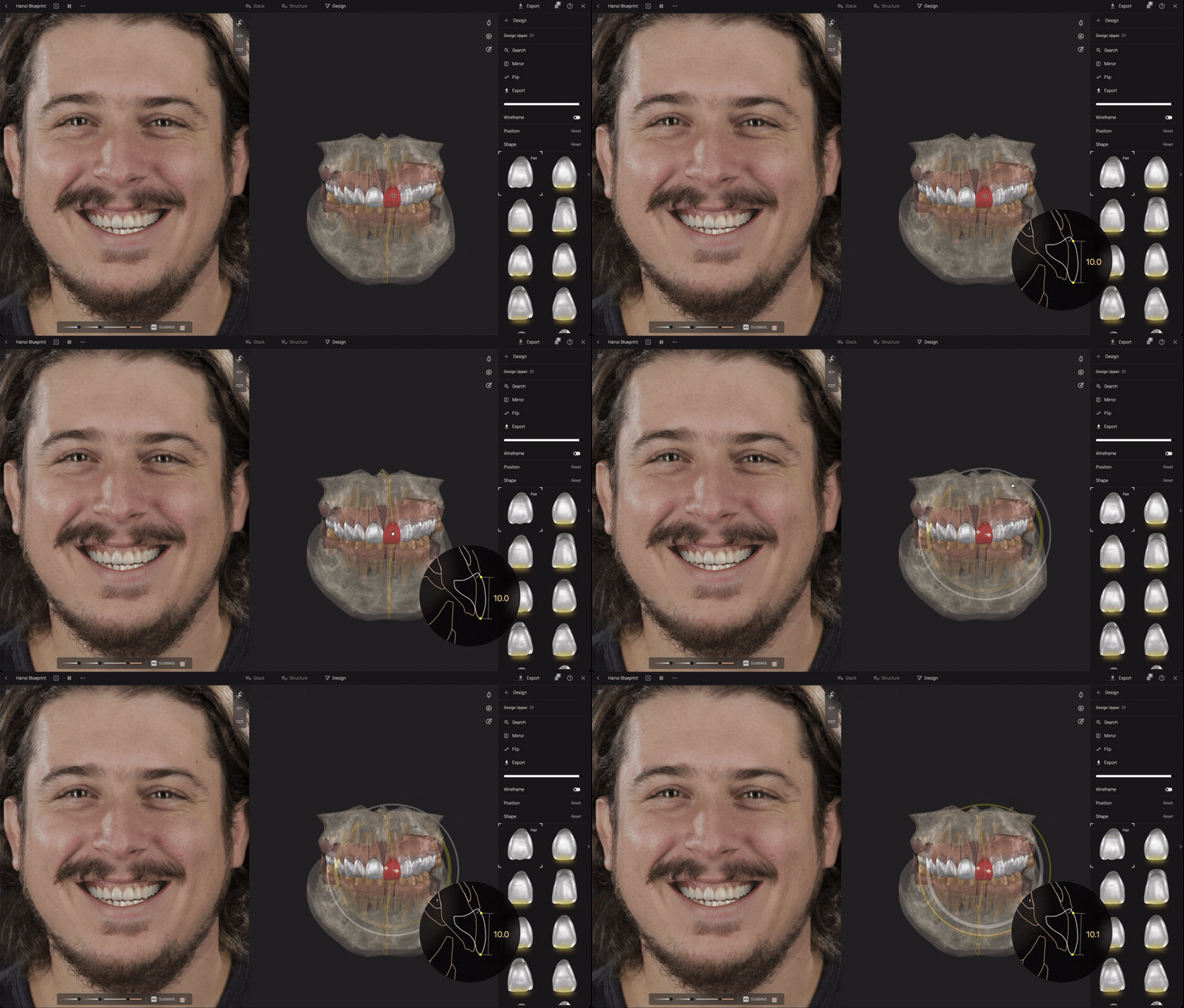
Invisible Gimbal
A cleaner workspace with the same precision controls.
Action | Control |
|---|---|
Move | Click and drag |
Rotate | Hold CTRL/CMD |
Scale | Hold SHIFT |
Toggle visible / invisible gimbal | G |
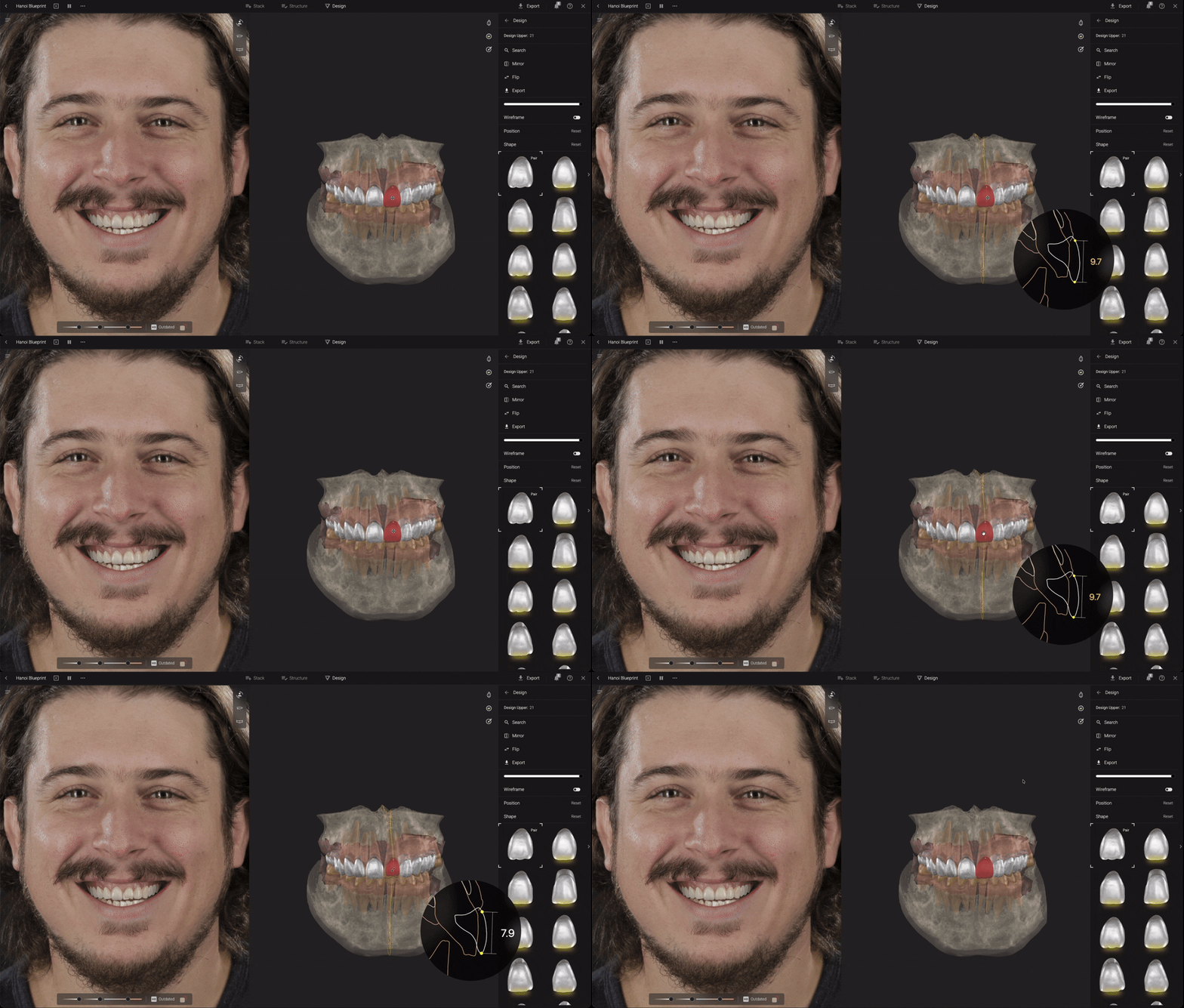
Sculpt Tools
Shape and refine anatomy quickly without leaving your workflow.
Action | Shortcut |
|---|---|
Toggle Drag tool | 1 |
Toggle Smooth tool | 2 |
Toggle Add / Remove tool | 3 |
Remove while sculpting | Hold CTRL/CMD |
Change brush radius | SHIFT + mouse wheel |
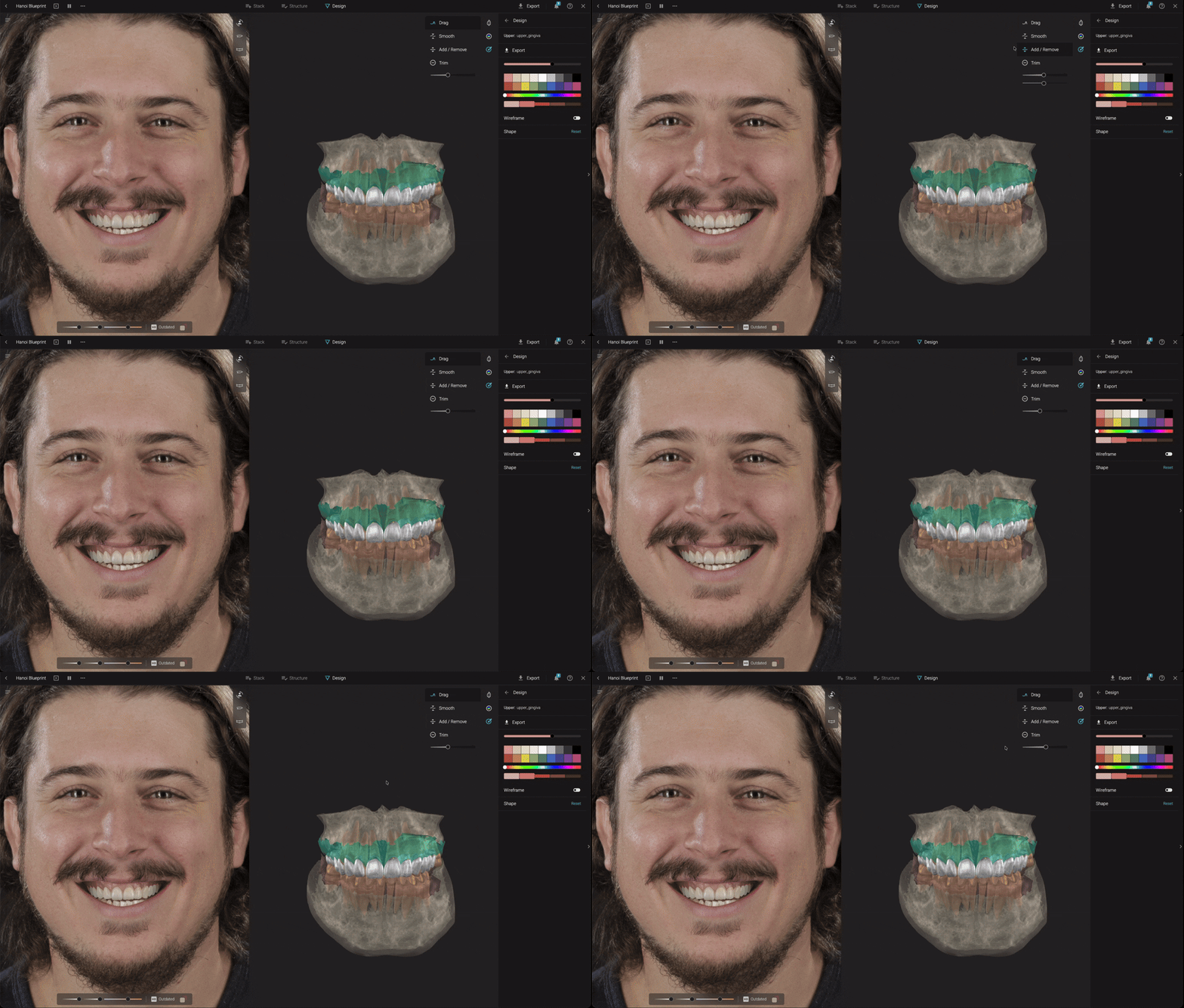
Portrait & Restorative Space
Navigate Smile Design adjustments with greater speed and control.
Action | Shortcut |
|---|---|
Temporarily disable symmetry | Hold ALT/Option |
Rotate scene | R |
Undo | CMD/CTRL + Z |
Redo | CMD/CTRL + SHIFT + Z |
Toggle wireframe / portrait contours | W |
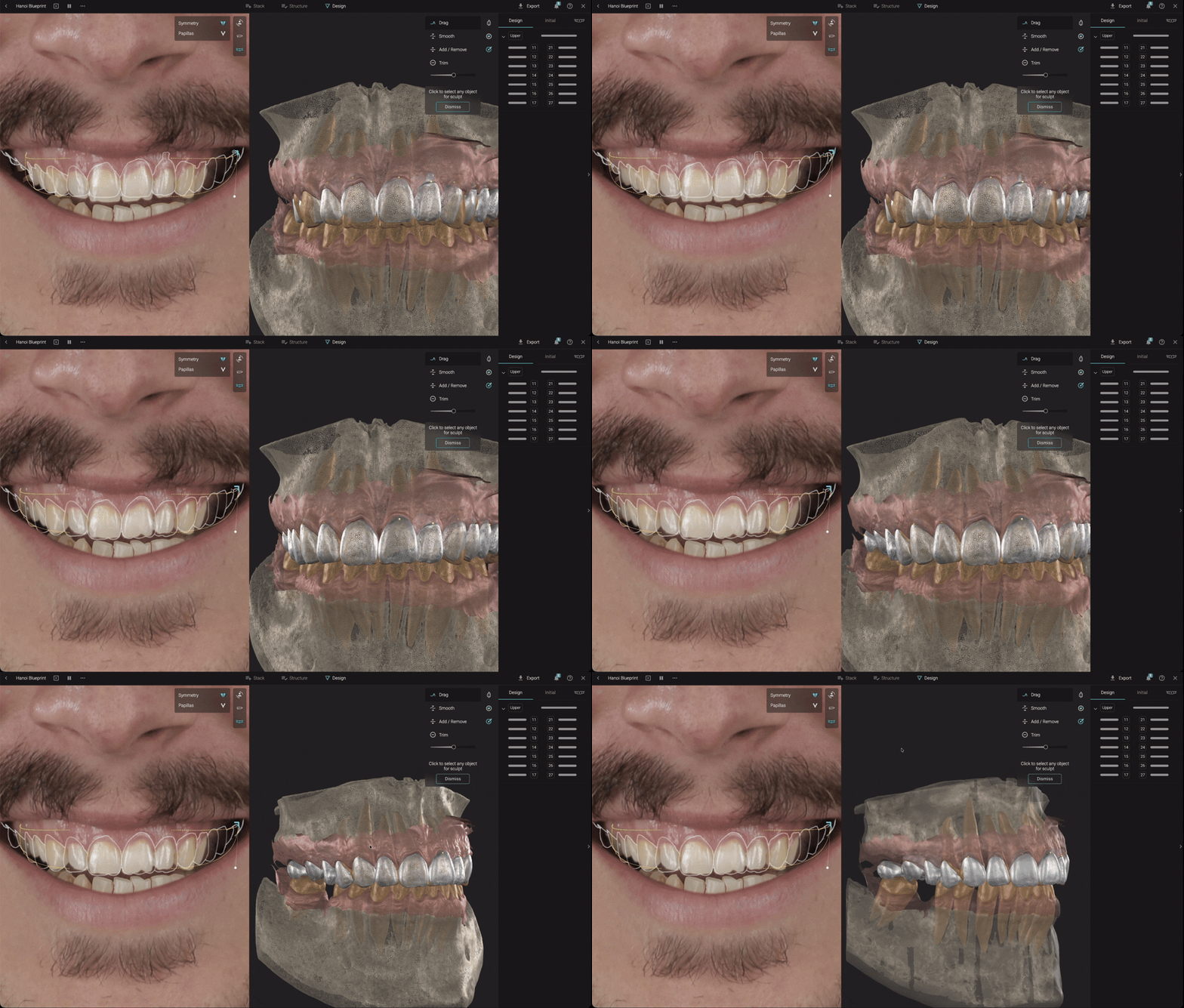
Design Visibility Controls
Instantly compare and review different design layers.
Action | Shortcut |
|---|---|
Show / Hide Design Upper and Segmented Upper | X |
Show / Hide Design Upper only | SHIFT + X |
Show / Hide Design Lower and Segmented Lower | N |
Show / Hide Design Lower only | SHIFT + N |
The more you use shortcuts, the more natural your workflow becomes. A few simple keys can save valuable time and make designing inside Smilecloud feel even more fluid and intuitive.