---
title: "Blueprint Shortcuts"
url: "https://learn.smilecloud.com/en/article/blueprint-shortcuts"
language: "en"
last_updated: "2026-05-18T11:37:26.687Z"
---
# Blueprint Shortcuts
Work faster. Design smoother. Stay focused.
Great tools should feel effortless. That’s why Smilecloud includes a wide range of keyboard shortcuts designed to help you move through your workflow with speed and precision — so you can stay focused on the smile, not the interface.
Whether you’re switching views, refining anatomy, or sculpting details in 3D, these shortcuts help keep everything right at your fingertips.
## Blueprint Interface
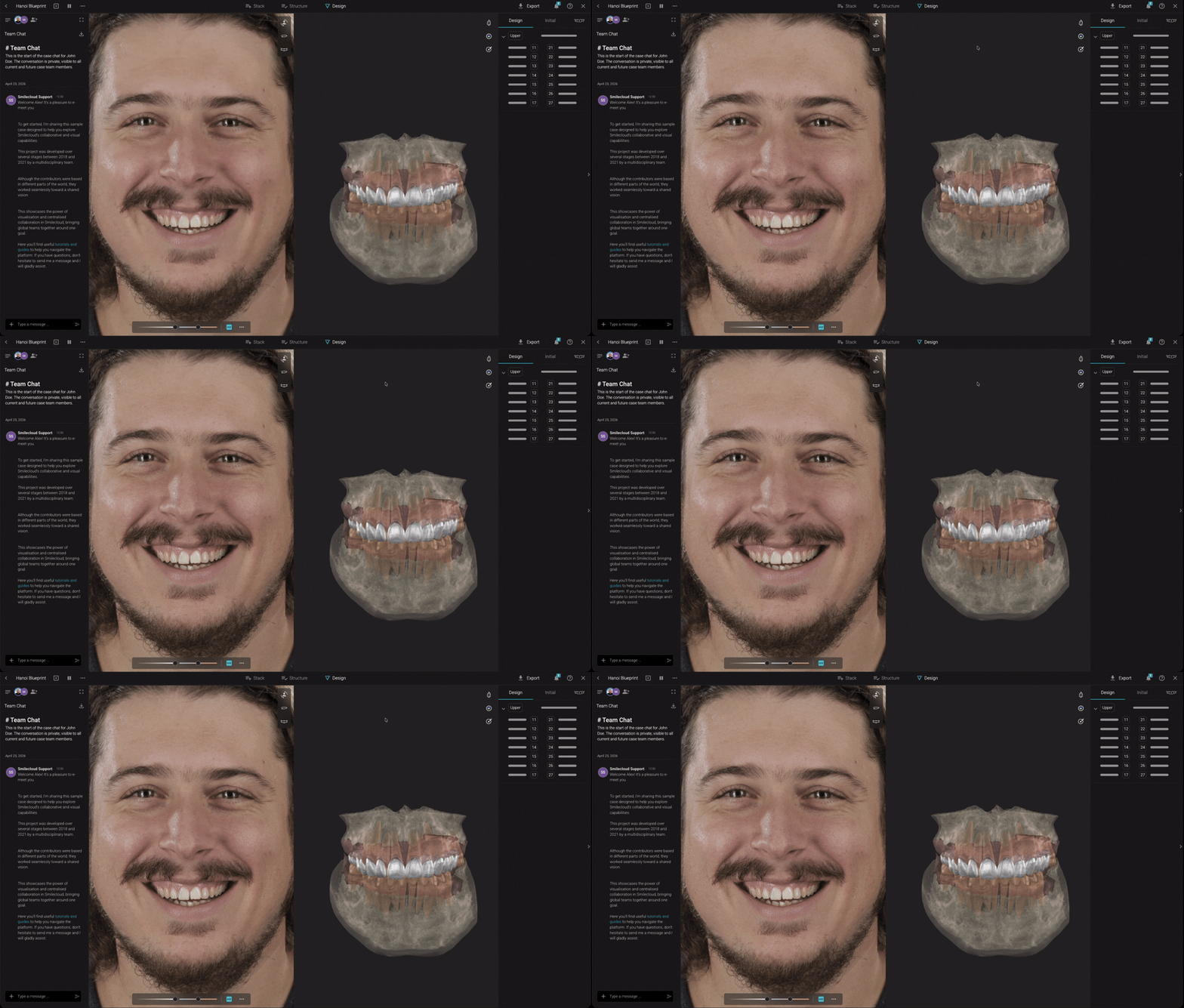
Quickly navigate the Blueprint workspace and keep your screen exactly the way you like it.
| Action | Shortcut |
| --- | --- |
| Switch between Portrait and 3D mode | **Space bar** |
| Show / Hide layers and anatomy | **L** |
| Show / Hide libraries, layers & chat | **TAB** |
## 3D View Controls
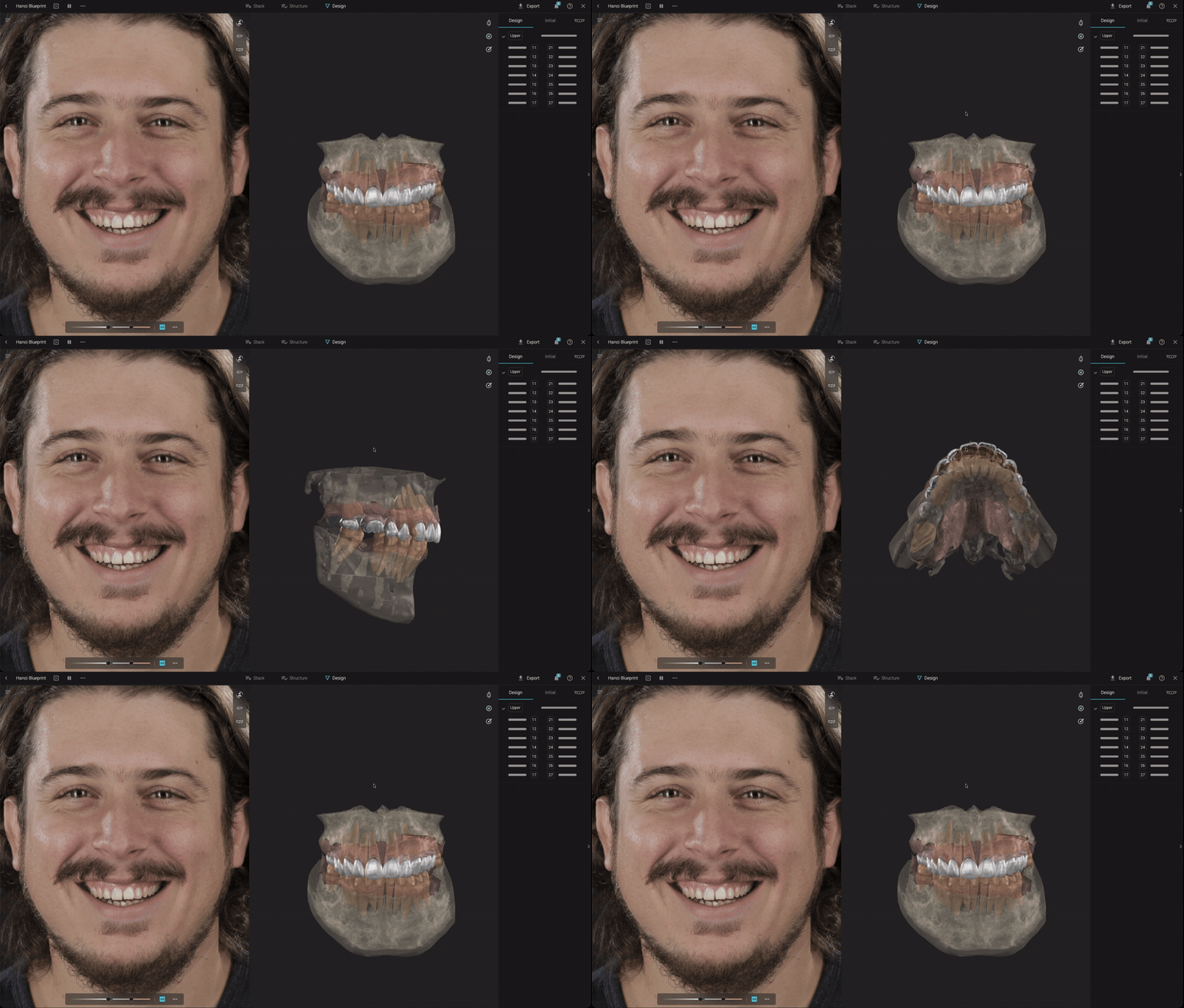
Move instantly between essential viewing angles while working in 3D.
| View | Shortcut |
| --- | --- |
| Front view | **F** |
| Left view | **A** |
| Right view | **D** |
| Occlusal view | **S** |
| Portrait view | **P** |
## Gimbal Controls
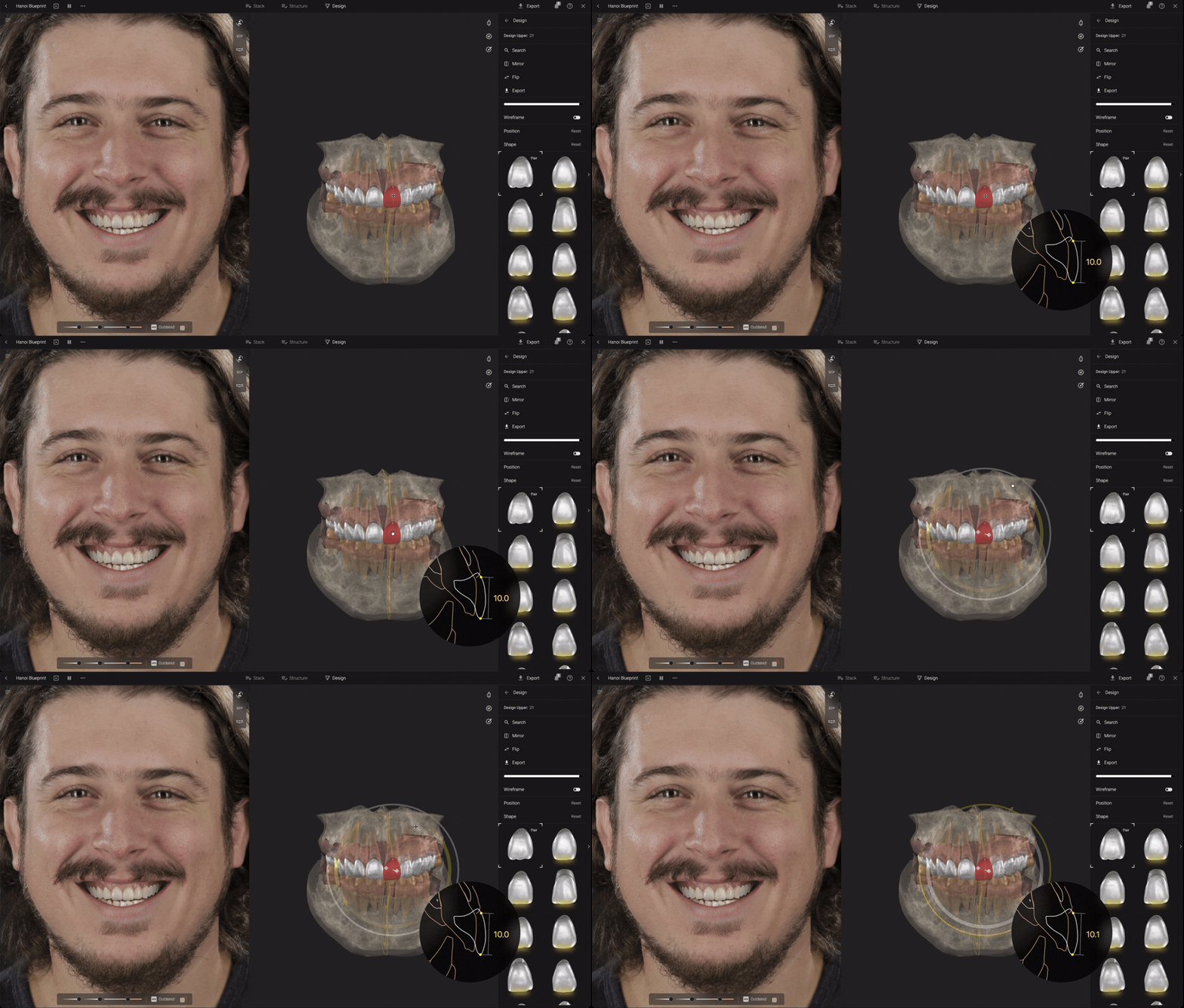
Fine-tune tooth positioning with intuitive movement and rotation controls.
### Standard Gimbal
| Action | Control |
| --- | --- |
| Move tooth | Click and drag |
| Free rotate | **CTRL/CMD**
\+ drag |
| Rotate on camera plane | Drag inner circle |
| Scale | Drag outer circle |
| Toggle visible / invisible gimbal | **G** |
## Invisible Gimbal
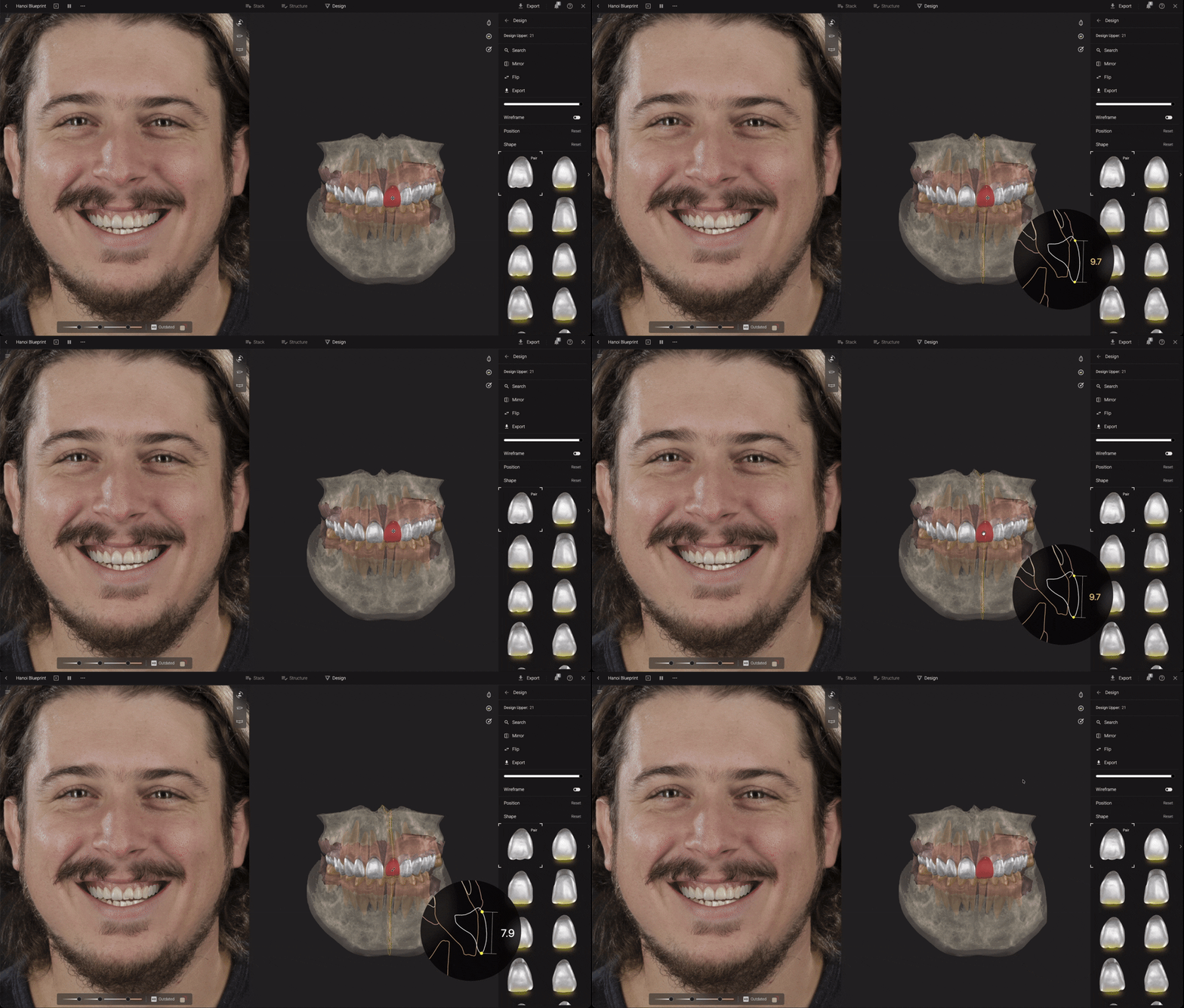
A cleaner workspace with the same precision controls.
| Action | Control |
| --- | --- |
| Move | Click and drag |
| Rotate | Hold
**CTRL/CMD** |
| Scale | Hold
**SHIFT** |
| Toggle visible / invisible gimbal | **G** |
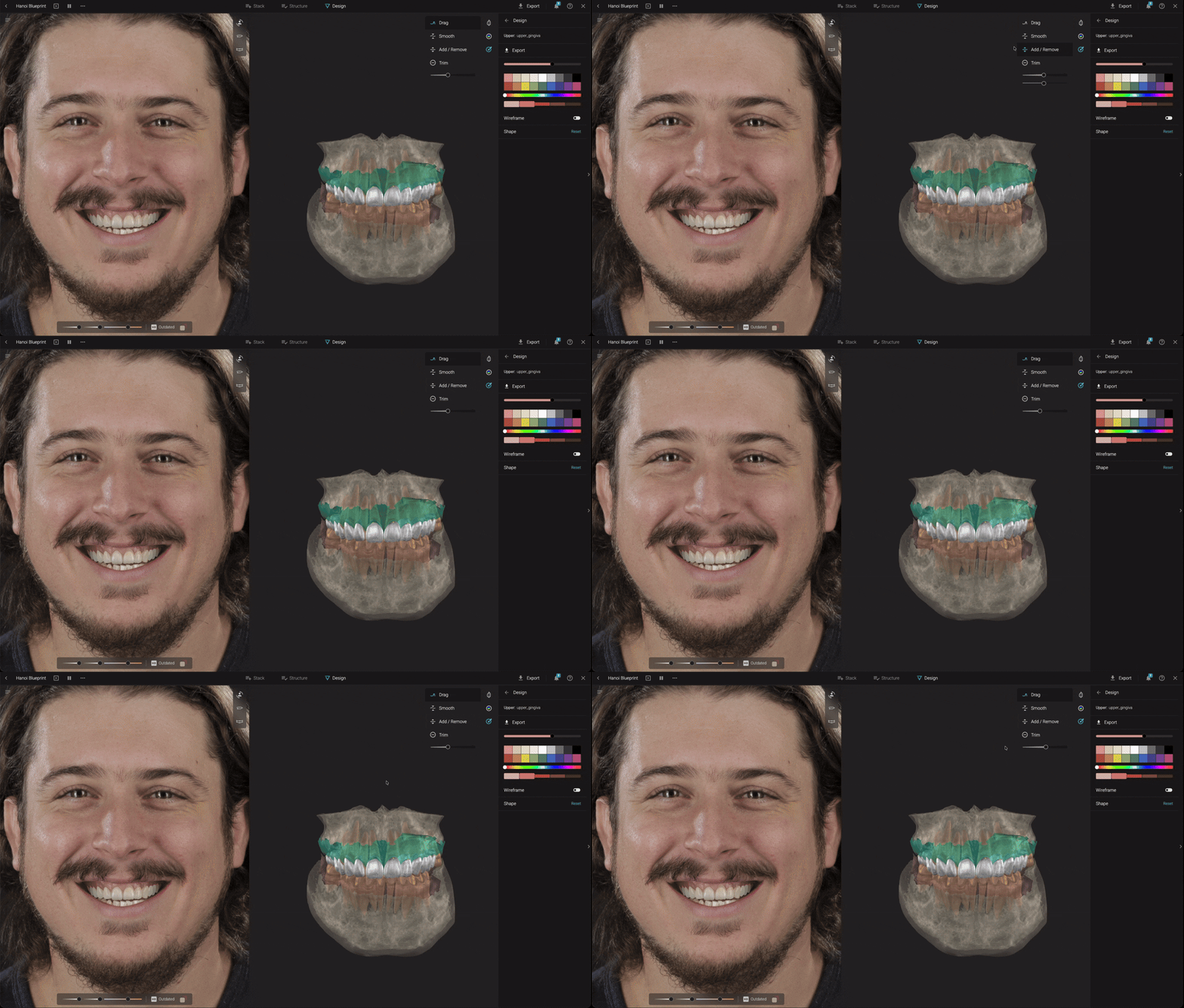
## Sculpt Tools
Shape and refine anatomy quickly without leaving your workflow.
| Action | Shortcut |
| --- | --- |
| Toggle Drag tool | **1** |
| Toggle Smooth tool | **2** |
| Toggle Add / Remove tool | **3** |
| Remove while sculpting | Hold
**CTRL/CMD** |
| Change brush radius | **SHIFT**
\+ mouse wheel |
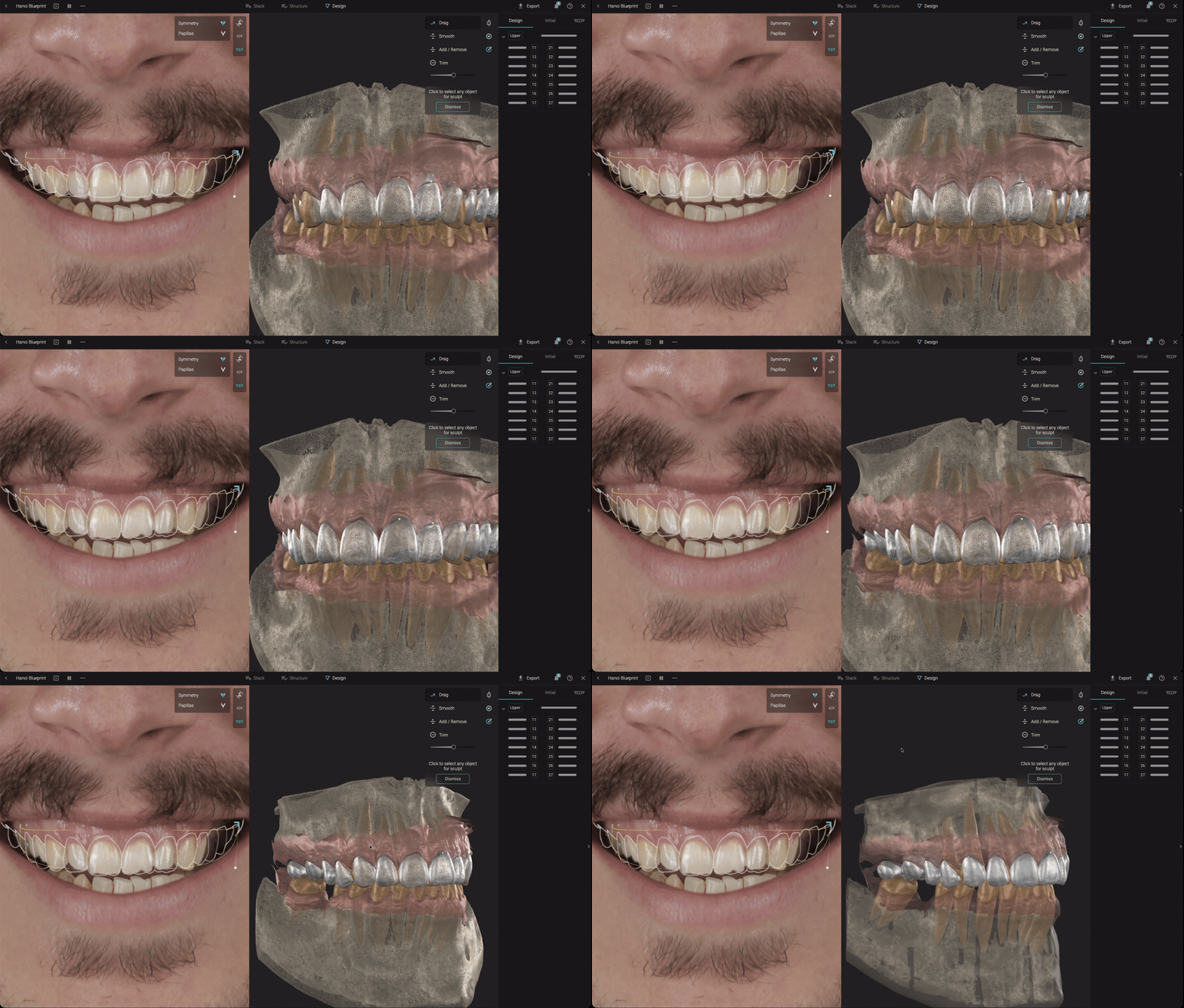
## Portrait & Restorative Space
Navigate Smile Design adjustments with greater speed and control.
| Action | Shortcut |
| --- | --- |
| Temporarily disable symmetry | Hold
**ALT/Option** |
| Rotate scene | **R** |
| Undo | **CMD/CTRL + Z** |
| Redo | **CMD/CTRL + SHIFT + Z** |
| Toggle wireframe / portrait contours | **W** |
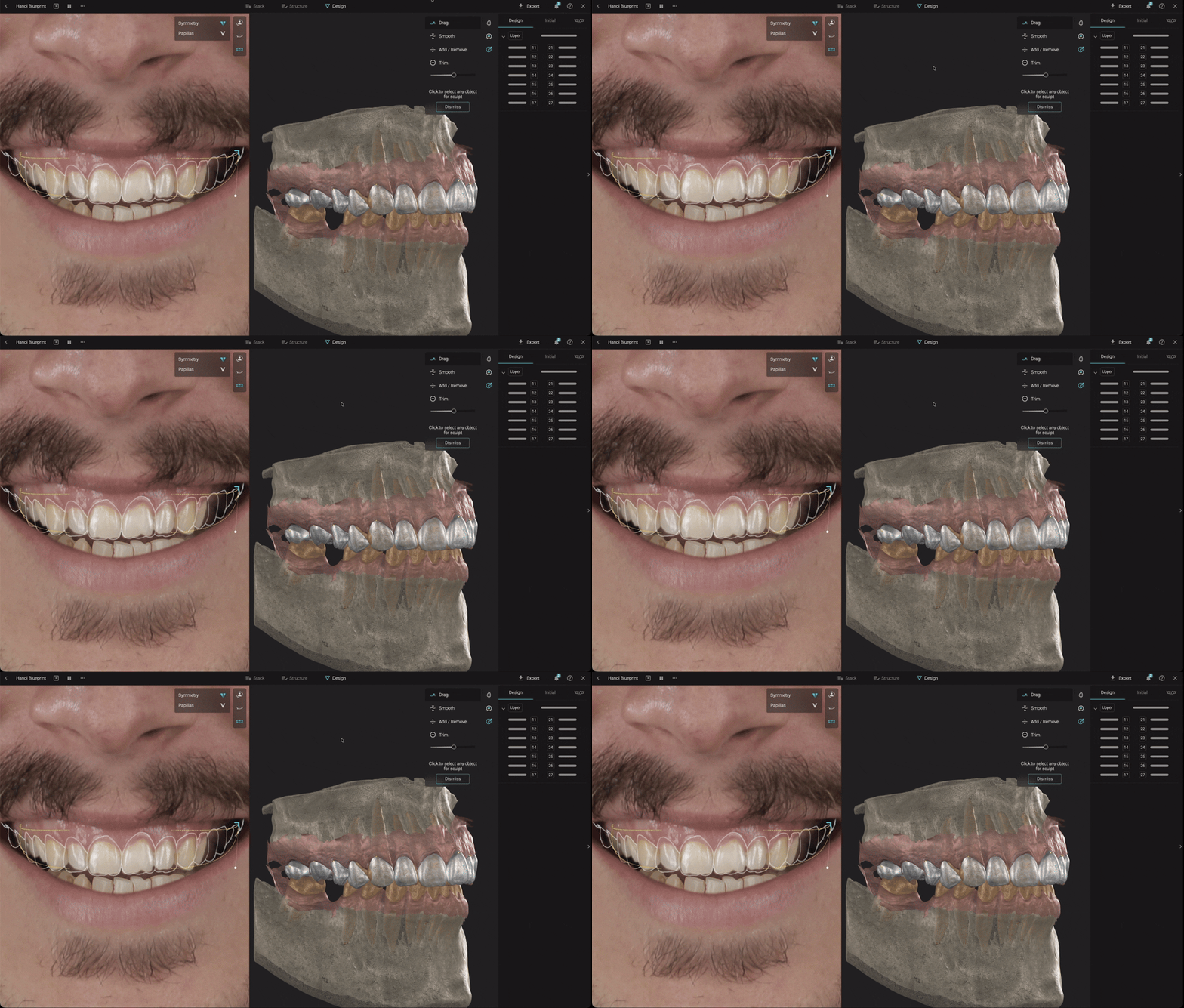
## Design Visibility Controls
Instantly compare and review different design layers.
| Action | Shortcut |
| --- | --- |
| Show / Hide Design Upper and Segmented Upper | **X** |
| Show / Hide Design Upper only | **SHIFT + X** |
| Show / Hide Design Lower and Segmented Lower | **N** |
| Show / Hide Design Lower only | **SHIFT + N** |
The more you use shortcuts, the more natural your workflow becomes. A few simple keys can save valuable time and make designing inside Smilecloud feel even more fluid and intuitive.